Simple first. Powerful when you need it.
Every question is a native PowerPoint slide. When you want to go deeper, these are built in.
Grouping
See how each group answered. Ask a background question, like gender, department or year, and split any result by it in one stacked chart.
- Compare groups side by side
- Works on every question
- Live during the session


Competition
Turn any quiz into a game. Mark the correct answer, split the room into teams and show the team scores between rounds.
- Correct answers and points
- Teams or individuals
- Leaderboard slides
Comparison
Weigh suggestions on two criteria at once, like value and risk. Bubble size shows how relevant the room finds each one.
- Multi-criteria comparison
- Clear ranking
- Decide in the room
Word clouds
Ask an open question and watch the answers form a word cloud. People type their answer in ResponseApp on their own phone.
- Free text answers
- Grows live as people answer
- Great for openers and wrap-ups
Any presentation tool
Not using PowerPoint? OMBEA Response 360 runs next to Keynote, a web page or a video, and collects answers the same way.
- Windows and Mac
- Floats above any app
- Same clickers
Reports
Every answer is saved. After the session, open question reports and participant reports, ready to print or share.
- Per question and per participant
- Trends over sessions
- Ready to share

Two ways to answer
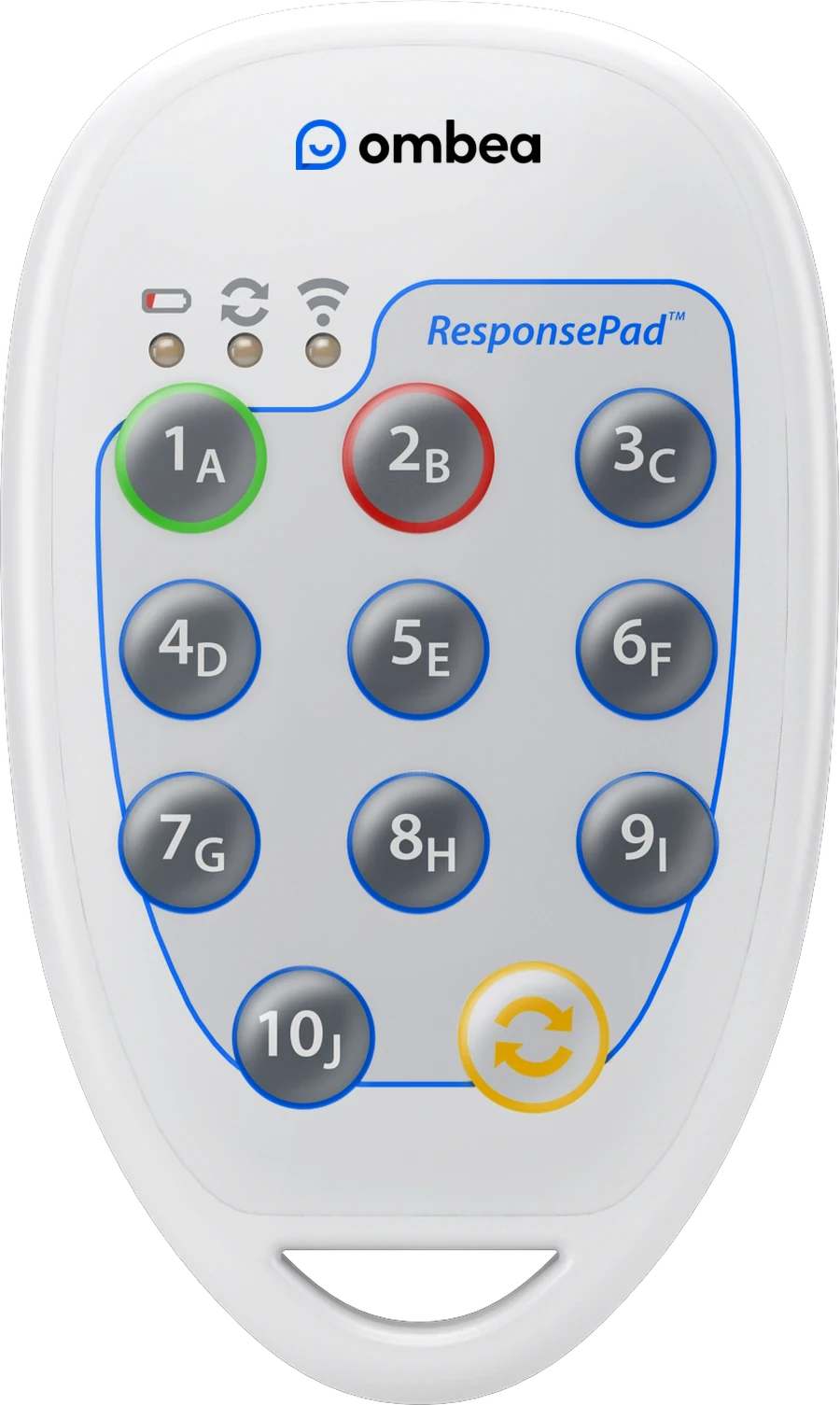
ResponsePad
A clicker in every hand. No setup, no syncing, batteries for three years. Up to 2,000 people in one session.
ResponseApp
Or use the phone they already have. Any device with Wi-Fi or mobile data becomes a clicker.
Ready when you are
Tell us how many people you present to. We suggest a kit and send a quote.