
Get more out of every session
Step-by-step guides, articles and tips for better sessions, all in one place.
Ideas for better sessions

Clickers or Phones for Polling: Which Should You Use?
Clickers or phones for live polls? What studies say about distraction, what phone bans and Wi-Fi limits mean, and when to use each, or both.

How to Run a Fair Vote with Clickers at a Meeting
A fair vote needs eligible voters, one vote each, secrecy where required and a count anyone can check. A step-by-step script for votes with clickers.

Phone-Free Classrooms and Meetings: Back to Hands Up
Phone-free classrooms are now the rule in 58% of countries. What the research says, and how to keep every voice in the room without opening a screen.

What Is an Audience Response System? How It Works
An audience response system lets a whole room answer at once and shows results live. The parts, the types, what research says and what to check first.

Exit Ticket Ideas: 25 Prompts for Any Lesson
25 exit ticket ideas grouped by what you need to know, how to sort answers in five minutes, and how to run exit tickets when phones are banned.

Mentimeter Alternatives: 8 Options Compared (2026)
Mentimeter alternatives compared on how people answer, how they fit your slides and what still works when phones aren't allowed or the Wi-Fi fails.
Show more

Icebreaker Questions for Meetings: 50 That Work
50 icebreaker questions for team meetings, all-hands, training and workshops, plus how to run them so a room of 200 answers in 30 seconds.

Kahoot Alternatives for Classrooms: 7 Options (2026)
Kahoot alternatives for teachers compared by what students answer on and what works in phone-free classrooms, plus how to make quiz games teach.

Check for understanding: 12 techniques for any class
12 ways to check for understanding with the whole class at once, what to do with the answers, and how to write questions that reveal misconceptions.

Interactive presentation ideas: 15 that work in any room
15 interactive presentation ideas for classes, training, meetings and events, with the research behind them and versions that need no app or Wi-Fi.
Formative assessment ideas: 20 quick checks that work
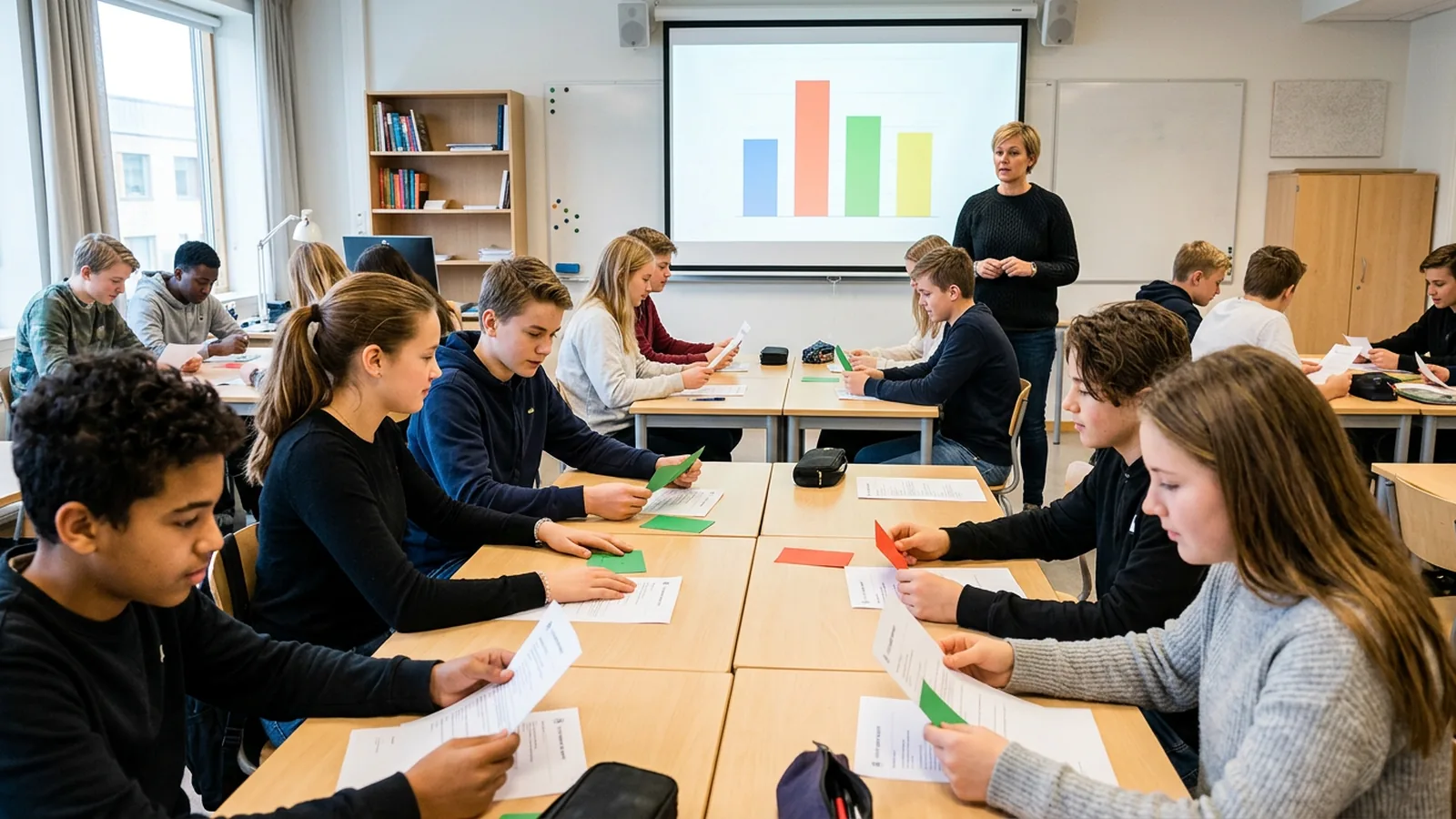
20 formative assessment ideas sorted by Wiliam's five strategies, with the research behind them and how to act on what you find out.

Quiz in PowerPoint: 4 ways to build one, step by step
How to make a quiz in PowerPoint: triggers, Microsoft Forms, phone polling add-ins or clickers. Steps, requirements and how to write questions that teach.
Show more

Audience Engagement Techniques That Reach the Whole Room
12 audience engagement techniques for trainers, teachers and event hosts that get every person in the room answering. With the research and exact steps.

Student Engagement Strategies for Large Lecture Halls
Student engagement strategies that work with 200+ students: peer instruction step by step, question timing, grading and a 50-minute lecture plan.

Classroom Response System Buyer's Guide: 10 Checks
What to check before you buy a classroom response system: answer devices, Wi-Fi, room size, software, anonymity, reports, privacy rules and a pilot plan.

How to Make PowerPoint Interactive: 6 Methods
How to make PowerPoint interactive: clickable menus, Zoom, click-to-reveal answers, and live polls and quizzes with add-ins or clickers. Exact steps.

Clickers in the Classroom: What the Research Shows
What 20 years of research says about clickers in the classroom: where they raise scores, where they don't, and the teaching habits that matter.

Audience Participation at Events: A Practical Playbook
How to plan audience participation at conferences and town halls: poll moments in the run of show, questions for big halls, logistics and reporting.
Show more

Slido Alternatives for Meetings and Events (2026 Guide)
Slido alternatives compared by type: phone polling, quiz games and clickers. Participant limits, integrations and what works when phones or Wi-Fi don't.

Phone bans in schools: keeping lessons interactive
Phone bans now cover most US states and England. Here is what the research says, and six no-phone ways to get every student answering in class.

TurningPoint Alternatives: How to Compare Clicker Systems
TurningPoint is now Echo360 PointSolutions. What changed, which universities stayed or moved, the alternatives, and the questions to ask before you switch.
iClicker Alternatives With No Student Fees
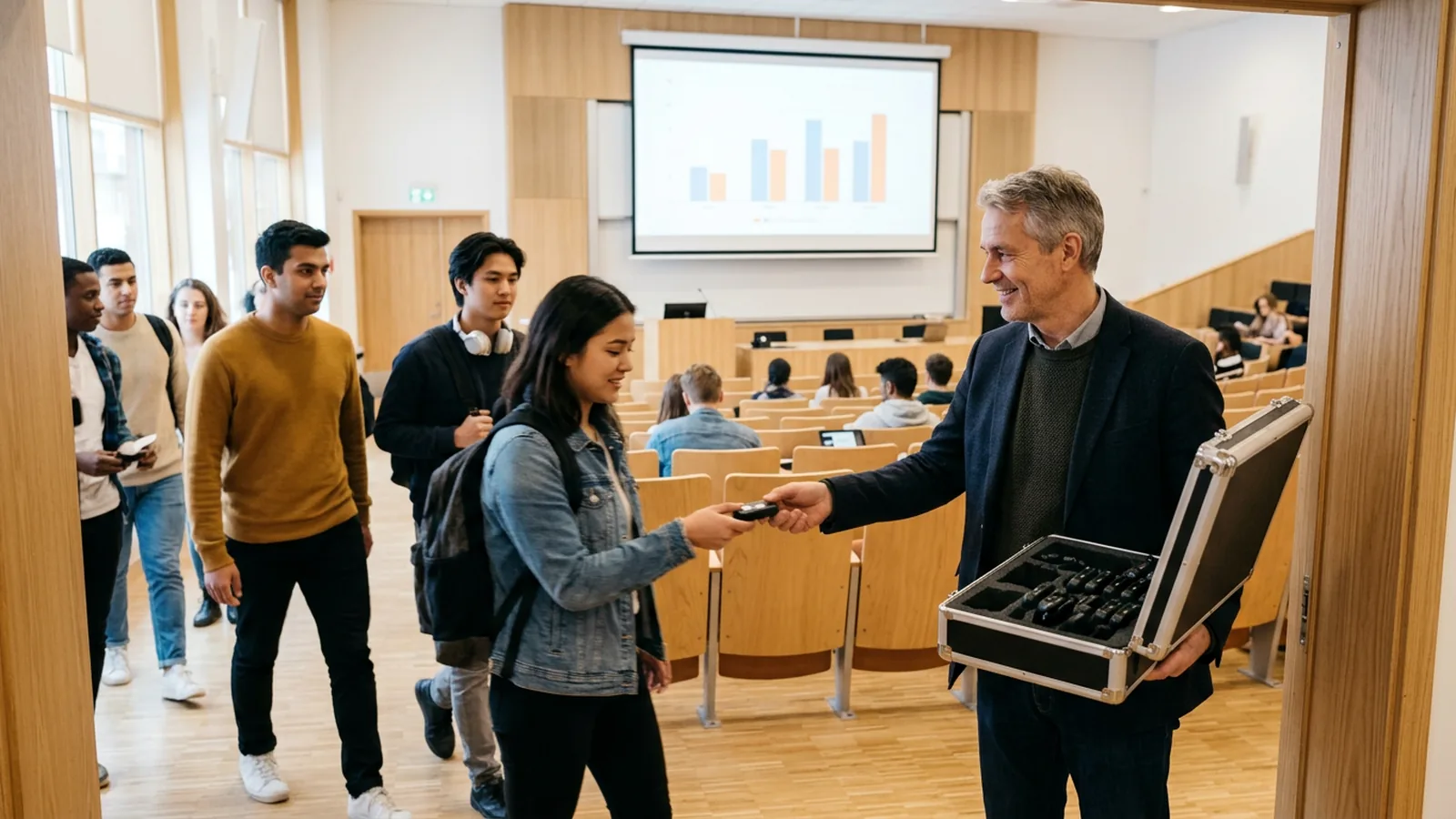
Want in-class polling students never pay for? Compare department-owned clickers, paper cards and campus licenses, and how to run a shared clicker set.

Voting Devices for Meetings: AGMs, Boards and Councils
How voting keypads work at AGMs, board and council meetings: when to use them, what your rules require, a step-by-step vote script and a buyer's checklist.

Live Polling Without Wi-Fi: What Works and How to Set It Up
Venue Wi-Fi weak or phones not allowed? The live polling options that work offline, why crowded Wi-Fi fails, and a checklist to rehearse first.
Show more

Audience Response Systems in Medical Education: A Guide
How to use an audience response system for case-based teaching, grand rounds and CPD: what the research shows, question design and a session plan.

Training Session Engagement: How to Measure Learning
Practical ways to raise training session engagement and measure what people learned: question points, pre and post checks, and reports managers trust.

Student Response Systems: The Main Types Compared
Student response systems compared: radio clickers, phone apps, scanned paper cards and low-tech options, on Wi-Fi, phones, setup and student data.

How to Use Clickers in the Classroom: Your First Lesson
Clickers for the classroom, step by step: setup, introducing them, writing questions, timing, using the results and common first-lesson mistakes.
The guidebook
Everything about OMBEA Response, from your first question to advanced settings.

Walk
Get the basics
res.ombea.com →
Run
Get advanced
res.ombea.com →
Fly
Real-life scenarios
res.ombea.com →
Help
Help when you get error messages
res.ombea.com →Start here
Tips & tricks from the guidebook
- FlyTips for Smooth SessionsTips to help you run more effective sessions.
- FlyQuestion Types for TeachingThe different types of questions people use when teaching or training with OMBEA.
- FlyOMBEA and Peer InstructionHow to apply Peer Instruction techniques in OMBEA Response.
- FlyRunning QuizzesUse OMBEA to run a quiz with your group.
- RunCompetitionsHow to use the special Competition slides within OMBEA Response.
- RunTracking Live ResultsHow to use the Result Monitor in OMBEA Response.
- FlyImproving AccessibilityKey considerations when designing your OMBEA Response slides to be more accessible.
- FlyIdeas for ConferencesThe different things you could do with OMBEA Response at a conference.
Ready when you are
Tell us how many people you present to. We suggest a kit and send a quote.