Everyone answers. No phones required.
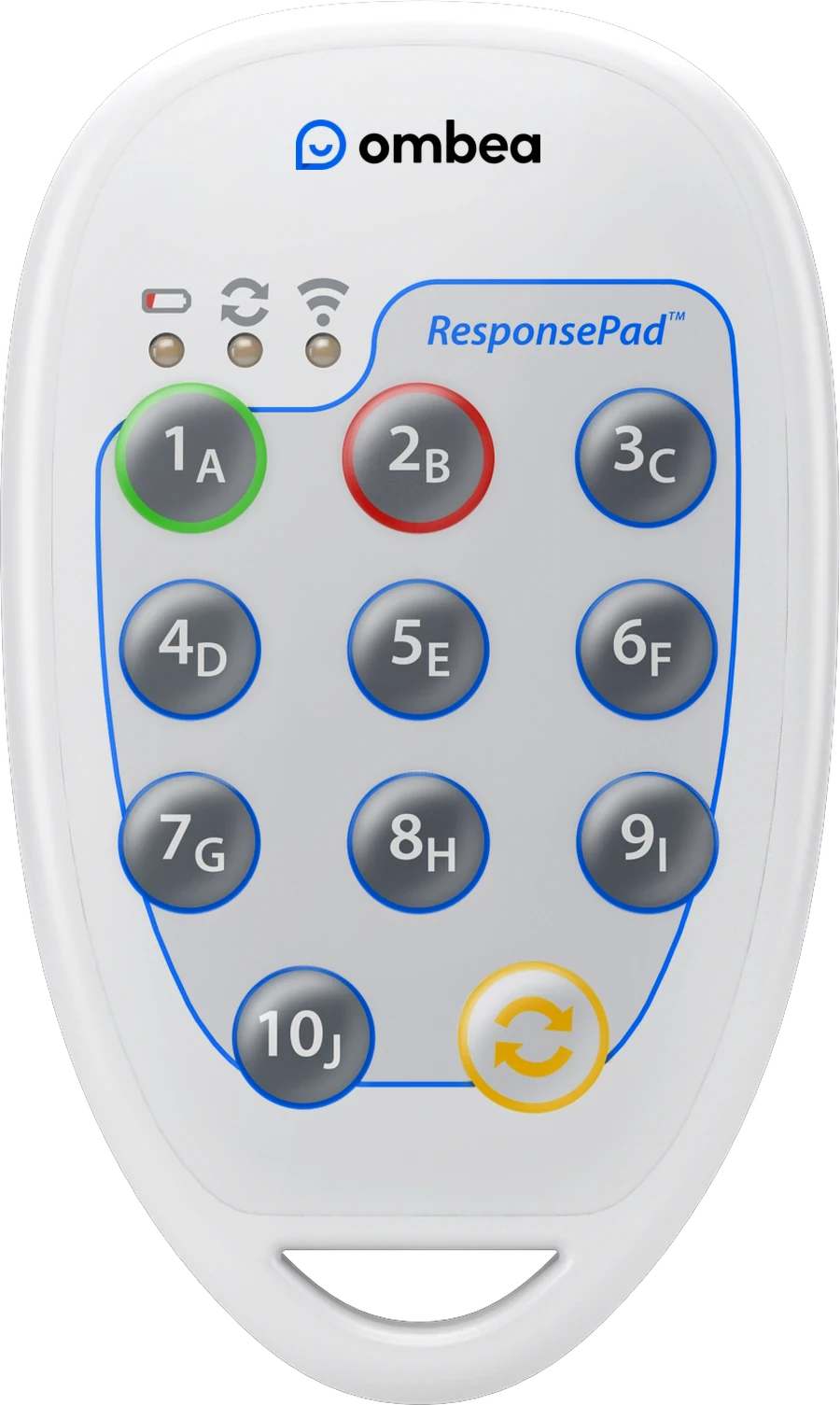
Hand out ResponsePads and ask your question. Everyone answers on a clicker that needs no app, no network and no account. You get a clear record of who understood what, without a single phone in the room.


Trusted by universities, airlines and global brands























Phones don't belong in every training room
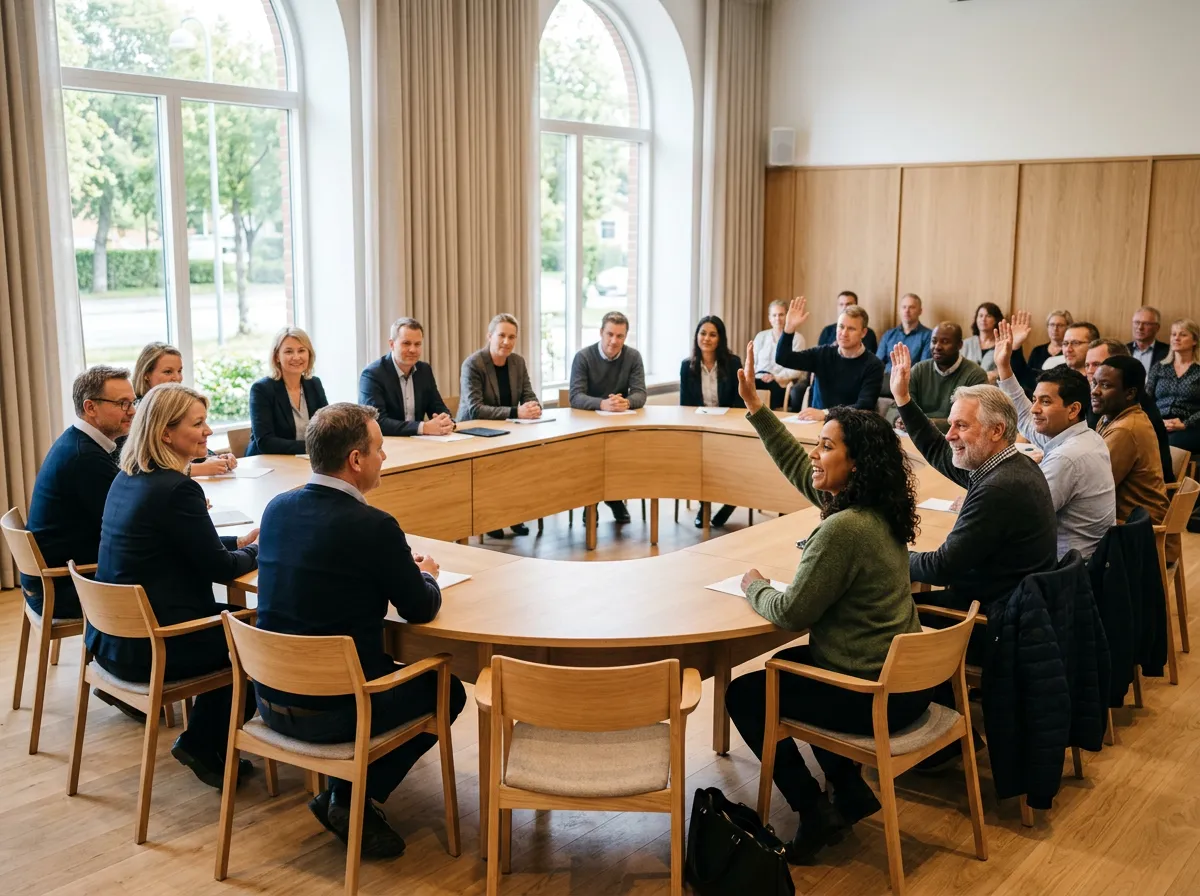
In secure and operational settings, personal phones stay in a locker. Where they are allowed, nobody wants an app for a safety briefing. So you fall back on a show of hands.
Phones stay outside
Secure sites and operational settings often keep personal devices out. A phone-based tool never gets started.
Hands follow hands
Nobody wants to get the procedure wrong in front of colleagues. So people wait and raise their hand with the majority.
Training needs a record
Safety training has to show who took part and what they understood. A sign-in sheet only covers the first.
What presenters report
Wherever your people need to answer
Safety training
Knowledge checks on procedures, with results saved per participant.
Emergency services
Scenario questions where every responder commits to a decision.
Defense training
Interactive sessions in settings where personal phones are not allowed.
Large briefings
Check understanding in a room of up to 2,000 people.
Staff consultations
Anonymous questions that get honest answers about change.
Council and committee votes
Votes counted in seconds, with a report for the minutes.
Induction
Check that new starters understood the essentials on day one.
Leadership development
Keep management programs active, not passive.
Four moments that change the room
Check the procedure
Ask before you move on. If a quarter of the room picks the wrong first step, you know what to cover again.
Compare shifts and units
Split any answer by shift, unit or location. See where the gaps are without singling anyone out.
Set priorities together
Let staff weigh options against each other, anonymously. Leaders get a clear ranking instead of the loudest opinion.
Keep a record
In named mode every answer is saved per participant. Export to Excel or PDF to show who was trained and what they understood.

Built to do one thing well
No screen, no apps, no notifications. Just ten keys and a light that tells each person their answer is in. That is why the room stays with you.
One press
Keys A to J. Answer in a second, then look up again.
Instant confirmation
The status light blinks green when the answer is received.
No setup
No pairing, no syncing, no app, no log-in. Hand out and go.
No Wi-Fi needed
Its own radio link to the receiver, up to 100 meters away.
Batteries for years
A coin cell lasts about three years in normal use.
Room for everyone
Up to 2,000 people in one session.
Kits ship in a padded carry case. Hand them out, collect them, done.
Get a quote →No app, no network, no cloud for the clickers
ResponsePads talk to a USB receiver on the presenter's PC over their own radio link. The software runs on that PC, so the clickers work without internet access or user accounts.
Trusted in lecture halls, boardrooms and conference halls

OMBEA couldn't have been easier to set up. Everything was so simple to use. The students really enjoyed using it and it's often quoted in their feedback to us as being an enjoyable part of the day!

The delegates like the interactivity and the speed with which their marks come back to them. The admin time saved alone makes OMBEA an amazing investment as all the data is in Excel and can be merged and reviewed instantly!


It was great. It's such a useful conference tool because when you're talking you know for sure whether or not you're hitting the right notes and you can adjust accordingly.

The OMBEA system is a fantastic tool in our inventory. Enabling exciting interaction, instant feedback to the presenter, and rich data from the class, OMBEA immediately enhances the learning experience for participants on both sides of the lecturn. Swift to deploy, simple yet powerful; I will be using OMBEA for all of my training presentations in future!

So far we've used the charts and graphs in presentation meetings to build the story around team engagement and particular areas of interest. … the OMBEA data has made it much simpler to get buy-in from around the business.

The students responded very positively to the OMBEA system. Mixing the clickers and apps made it very flexible and they found it easy to use. From a lecturer's point of view, it made lectures more interesting and it is much easier to use than our existing response technology.

OMBEA is proving a great asset to the delivery of our staff development activities. We have been able to use it for staff focus groups, induction events and team away days. It is very easy to use and set up and so far people have been interested and excited to use it. It increases interactivity in a session and the instant results mean that the sessions are very open. Using OMBEA encourages discussion and engagement. The feedback has been great!
OMBEA cut straight through those language barriers and had the room on the edge of their seats!
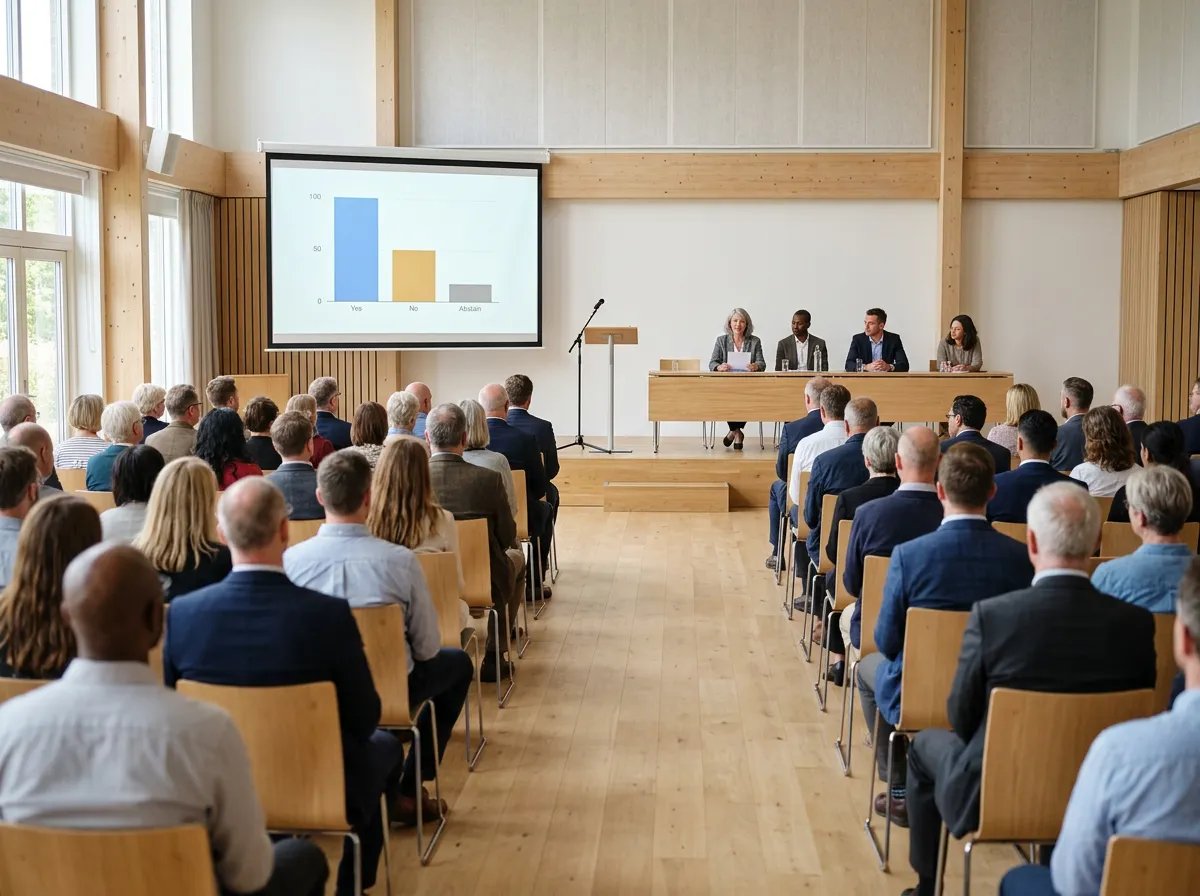
The voting couldn't have gone any better, it was exactly what we were looking for.
We chose OMBEA because they were excellent across a combination of important factors. They had user-friendly software, good quality hardware, and a refreshing approach to post-sales support. Their attention to support has been brilliant.
OMBEA makes everything so much more interactive and the delegates keep telling us how much they enjoy it. The support we get from the team is great and we love having them at our conferences!

Ombea is easy to manage and grows alongside your business.

OMBEA has been a great maths resource but also a useful cross-curricular too with a maths link in mind. It's also great for feedback in line with the 1/2/3 system we have in place to encourage self assessment and to identify and address any particular misconceptions. It's fantastic for data handling and compiling data to use with the class. Overall it's a great piece of kit and I love that we can tailor it so easily!
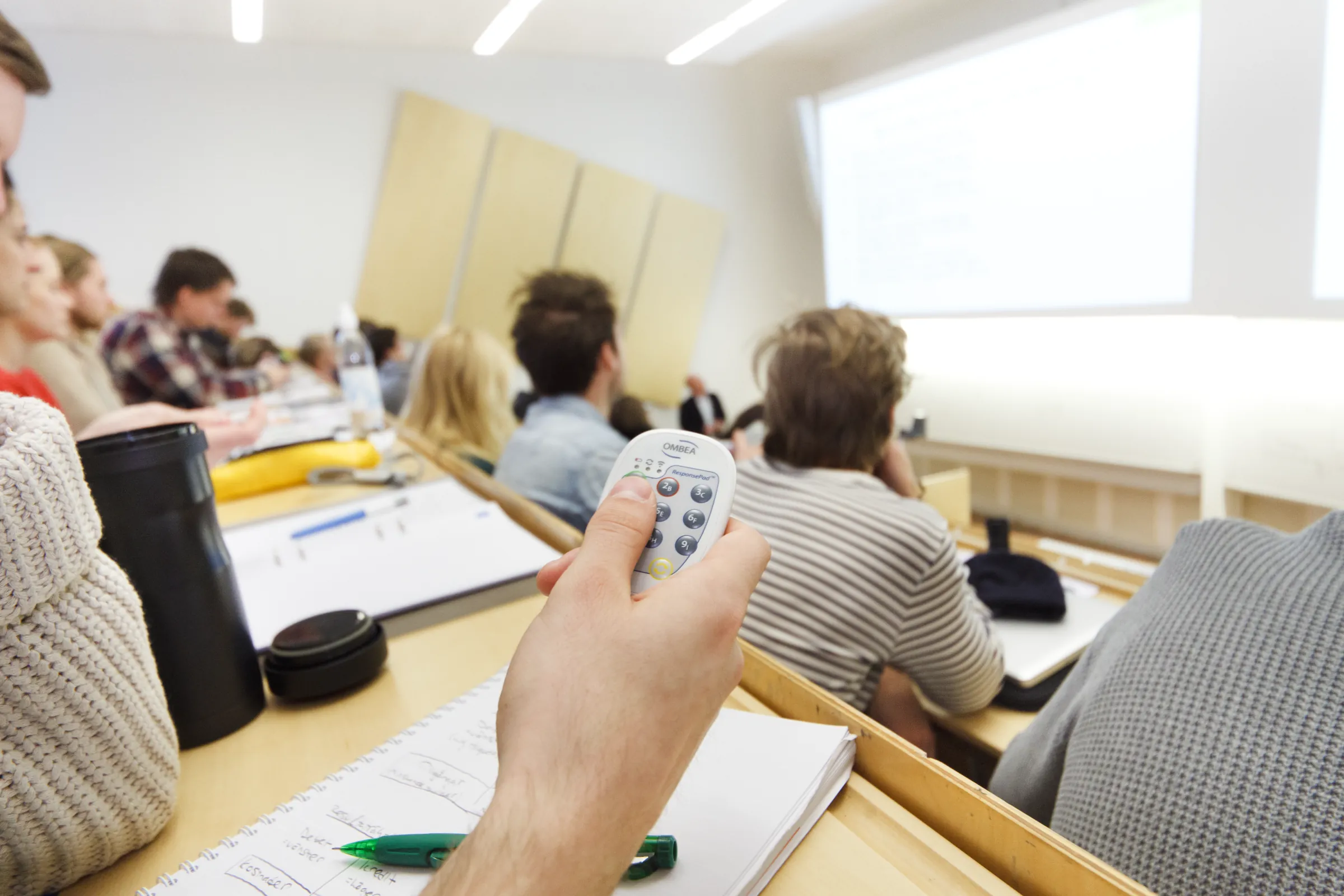
In some of my courses I might have up to 350 students. It can be tough to get them all to join in, but participation is vital for learning. OMBEA's clickers provide a great solution for this. Using OMBEA's systems, students effectively learn from one another, and their learning has benefited enormously as a result.


OMBEA Response gives me real-time feedback on how my audience is listening to and learning from my presentation. An astoundingly simple and powerful tool!

OMBEA's instant class results save time and give the students the opportunity to pursue their own development and performance.
I now test the class on a continuous basis, rather than having two exams for each learning module. And there's no extra marking to do, either.

We get access to valuable information that we can use. OMBEA is also greatly appreciated by the participants who think it's a fun and rewarding element of the day.
Good questions
Do participants need a phone, app or account?
No. Each person gets a ResponsePad with numbered keys. There is no app, no log-in and nothing to install for participants.
Do the clickers need internet or our network?
No. ResponsePads use their own radio link to the USB ResponseLink receiver, up to 100 meters. The software runs on the presenter's PC, so the clickers work without Wi-Fi or a cloud service.
Can we keep a training record per participant?
Yes. In named mode every answer is saved per participant. Reports show results per question, per participant and over time, and export to Excel or PDF.
Can staff votes and consultations be anonymous?
Yes. In anonymous mode nobody, not even the presenter, can link an answer to a person. People answer honestly on sensitive topics.
How do we buy for a whole organization?
The software is free and you buy once, with no subscription for clickers. We offer different kinds of discounts, so ask us for a quote.
Ready when you are
Tell us how many people you present to. We suggest a kit and send a quote.