Which schools now have phone bans?
- Worldwide: UNESCO's GEM Report counts 114 education systems with a national ban on phones in schools, or 58% of countries, as of March 2026. In June 2023 the share was under one in four (UNESCO GEM Report, updated September 2026).
- United States: at least 40 states plus Washington, D.C. require districts to ban or restrict student phone use (Education Week tracker, updated October 26, 2026). Texas HB 1481 prohibits students from using a personal communication device on school property during the school day (bill analysis).
- England: guidance says all schools "should be mobile phone-free environments by default". It became statutory on 29 June 2026, and schools should follow it from 1 September 2026. It also says "BYOD policies should not include mobile phones" (GOV.UK).
- Northern Ireland: guidance since September 2024 recommends pupils do not use phones during the school day (Department of Education NI).
- Scotland: the government has said it will make a law to restrict personal phone use in all schools, and consulted on the plan from 25 August to 17 November 2026 (Scottish Government).
Do phone bans actually improve learning?
The evidence is mixed. Know both sides before a parent, a US school board member or a UK school governor asks.
The case for. In a Pew Research Center survey, 72% of US high school teachers said students being distracted by phones is a major problem in their classroom, compared with 33% of middle school and 6% of elementary teachers (Pew, June 2024). The public largely agrees on class time: 68% of US adults support banning phones during class, but only 36% support a ban for the whole school day (Pew, October 2024).
The most cited study on attainment comes from England. Beland and Murphy surveyed 91 secondary schools (high schools, in US terms) in four English cities and found that after a ban, test scores rose by 6.41% of a standard deviation. Students in the lowest quartile of prior achievement gained 14.23%, while the top quartile saw no effect (LSE Centre for Economic Performance).
The case for caution. The SMART Schools study compared 1,227 students aged 12 to 15 in 30 English secondary schools with restrictive and permissive policies. Students in restrictive schools used phones about 0.67 hours less during the school day. But the study found no evidence of differences in mental wellbeing, overall phone and social media use, or English and math attainment (Goodyear et al., The Lancet Regional Health Europe, 2025). It is cross-sectional, so it shows associations, not cause.
What this means in your room. A ban removes one distraction; whether students think harder depends on the lesson. Education Week's reporting from phone-free schools makes a related point: teachers may need to rethink lesson plans where bans reveal gaps in classroom technology (Education Week, July 2026).
How do I get every student answering without phones?
Every student commits to an answer before seeing anyone else's, and you see the pattern in seconds. Six ways to do that:
1. Mini whiteboards
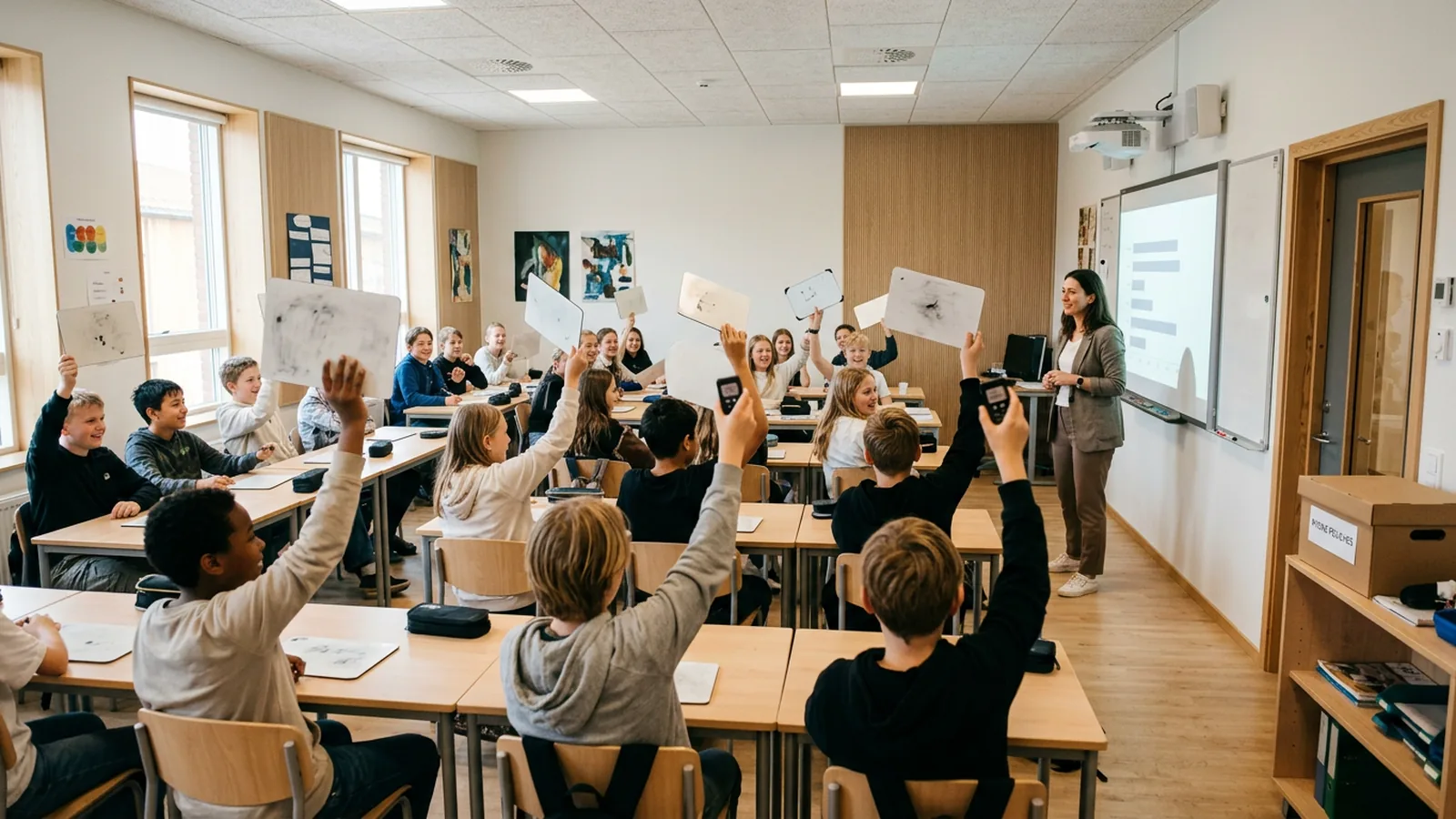
Each student has a small dry-erase board and a pen. You ask, give 20 seconds, then say "show me" and everyone lifts at once.
Use it tomorrow: keep boards face down until "show me" so nobody copies. Scan the room for the two or three most common wrong answers, then pick one board (with the student's agreement) to discuss. Works best for working out, diagrams and short answers. The catch: you see the room, but nothing is recorded, and it is hard to read 30 boards from the front.
2. ABCD cards or fingers
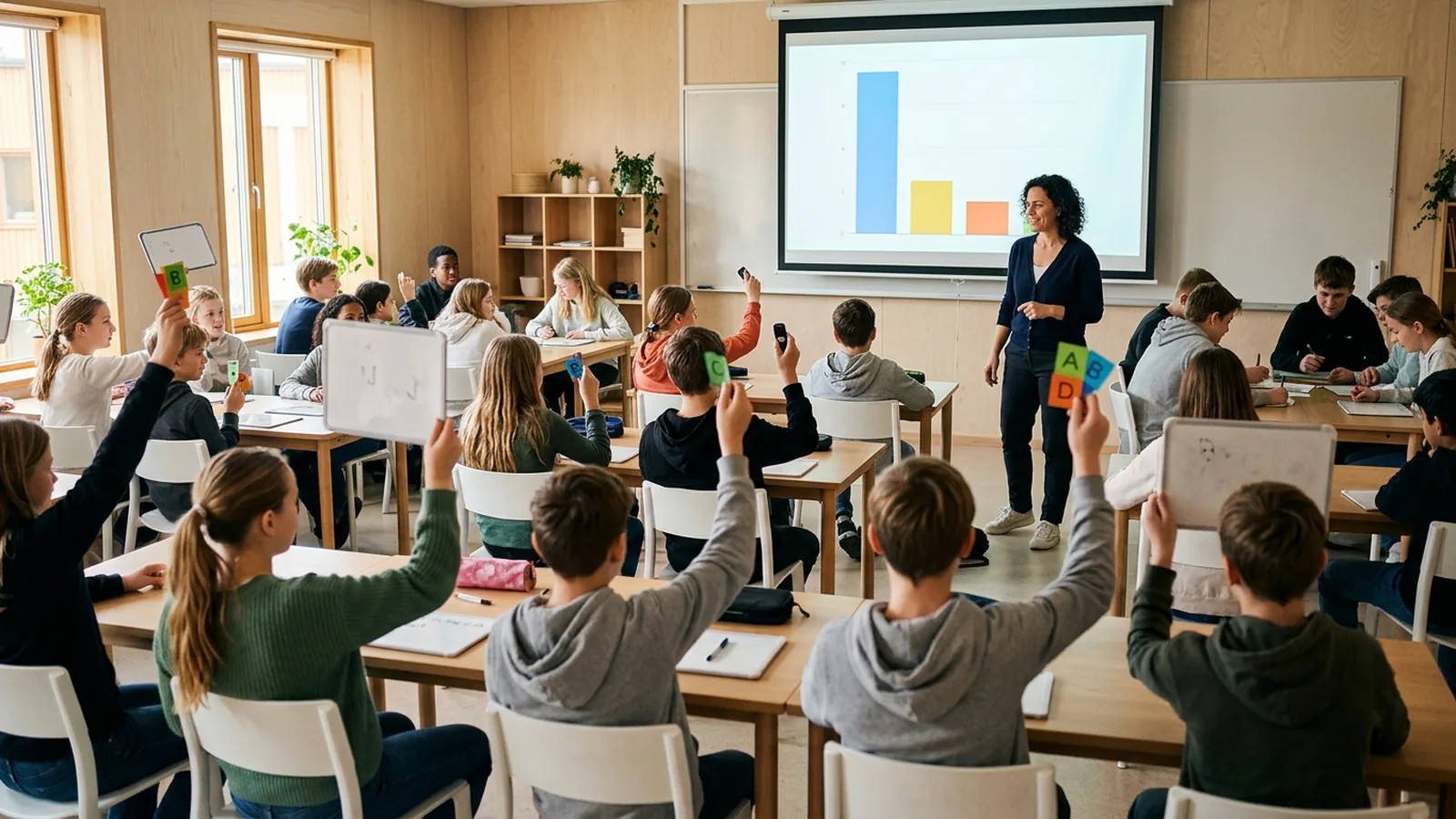
Four colored or lettered cards per student (or pupil, as most UK schools say), or fingers held against the chest. Ask a multiple-choice question and everyone shows at once.
Use it tomorrow: write your options so that each wrong answer matches a specific misconception. If 40% pick C, you know exactly what to reteach. The catch: students glance at neighbors, and there is no record.
3. Hinge questions
A single multiple-choice question at the turning point of a lesson, where the answer decides whether you move on or go back. It pairs with any of the methods here.
Use it tomorrow: write one hinge question for your next lesson before you plan anything else. Decide in advance your threshold, for example "if fewer than 8 in 10 get it, I reteach with a different example". Give students no more than a minute to answer and yourself no more than 30 seconds to read the result.
4. Cold call with think time
Ask the question, give everyone 10 to 15 seconds of silent thinking, then name the student who answers. Because anyone may be called, everyone thinks.
Use it tomorrow: say the question first and the name last. Follow up with "Who agrees, and why?" to pull in more voices. The catch: you only hear one answer at a time, so it tells you about individuals, not the whole class. Combine it with a whole-class method above.
5. Plickers
Students hold up a printed card, and the way they rotate it shows A, B, C or D. The teacher scans the room with the Plickers mobile app, and "there's no need for student devices or accounts". Each student is assigned a card number, so each answer is linked to that student, and reports and scoresheets are available after the session (Plickers help, as of November 2026).
Use it tomorrow: print the cards, assign one per student and laminate them. The catch: the teacher's phone does the scanning, which can sit awkwardly with a strict phone-free policy, and scanning needs a clear line of sight to every card.
6. Clickers
Each student has a small handset (UK suppliers often say voting handset or keypad) and presses a key. A receiver collects the answers and shows a chart on your slide. With OMBEA, ResponsePad clickers work without phones, Wi-Fi or an app, and results appear live in PowerPoint (features). In named mode, every answer is saved per student, so an exit ticket is already marked when the bell rings.
Use it tomorrow: if your school has a set, write three questions at the end of your deck and run them as an exit ticket. The catch: someone has to hand out and collect the handsets. Number them and give each student the same one every lesson, so named results stay correct.
If your school is 1:1 with laptops, browser quiz tools may still fit your policy. The trade-off: a laptop is one tab away from something else.
Which no-phone method should I choose?
| Method | What students need | Record of answers | Best for | Main catch |
|---|---|---|---|---|
| Mini whiteboards | Board and pen | No | Working out, short answers | Hard to read from the front |
| ABCD cards | 4 cards | No | Quick multiple choice | Copying neighbors |
| Cold call | Nothing | No | Depth, reasoning | One voice at a time |
| Plickers | A printed card | Yes | Multiple choice with data | Teacher phone scans the room |
| School laptops | A 1:1 device | Yes | Open answers, longer quizzes | Other tabs |
| Clickers | A handset | Yes | Fast checks, exit tickets, anonymous polls | Handing out and collecting |
Use two methods: a low-tech one for in-the-moment checks and one that records results for exit tickets and test prep. For more question formats, see our guides to check for understanding techniques and exit ticket ideas.
How do I make a phone-free lesson feel as lively as a quiz app?
Quiz apps gave students speed, a reveal and competition. Each has a no-phone version:
- Reveal together. Hide the results until everyone has answered, then show them at once. "Half the class picked B" is your opening for discussion.
- Ask twice. Ask a tricky question, show the split, let students argue with a neighbor for two minutes, then ask again. Compare the two charts with the class.
- Play in teams. Run five quick rounds and show team scores between them.
- Go anonymous for honest answers. "How ready do you feel for Friday's test?" gets truer answers when nobody can see who said what.
- Keep it short. Three to five questions per lesson. More than that and it becomes a test.
What should school leaders plan for?
- Audit what teachers used phones for. Quizzes, exit tickets, research and photos of work all need a replacement.
- Agree a default toolkit. For example: mini whiteboards in every room, plus one shared system that records results.
- Check the network. Wi-Fi that copes with 30 laptops can struggle with a full year group (a whole grade, in US terms) in the hall.
- Plan upkeep across several years, not one term or semester. List who charges, stores, replaces and updates each option. OMBEA's ResponsePad batteries last about three years in normal use, and thirty handsets fit in one carry case (schools).
Try it with your class
If you want results recorded per student without phones or Wi-Fi, see how clickers work in schools and get a quote for a class set.