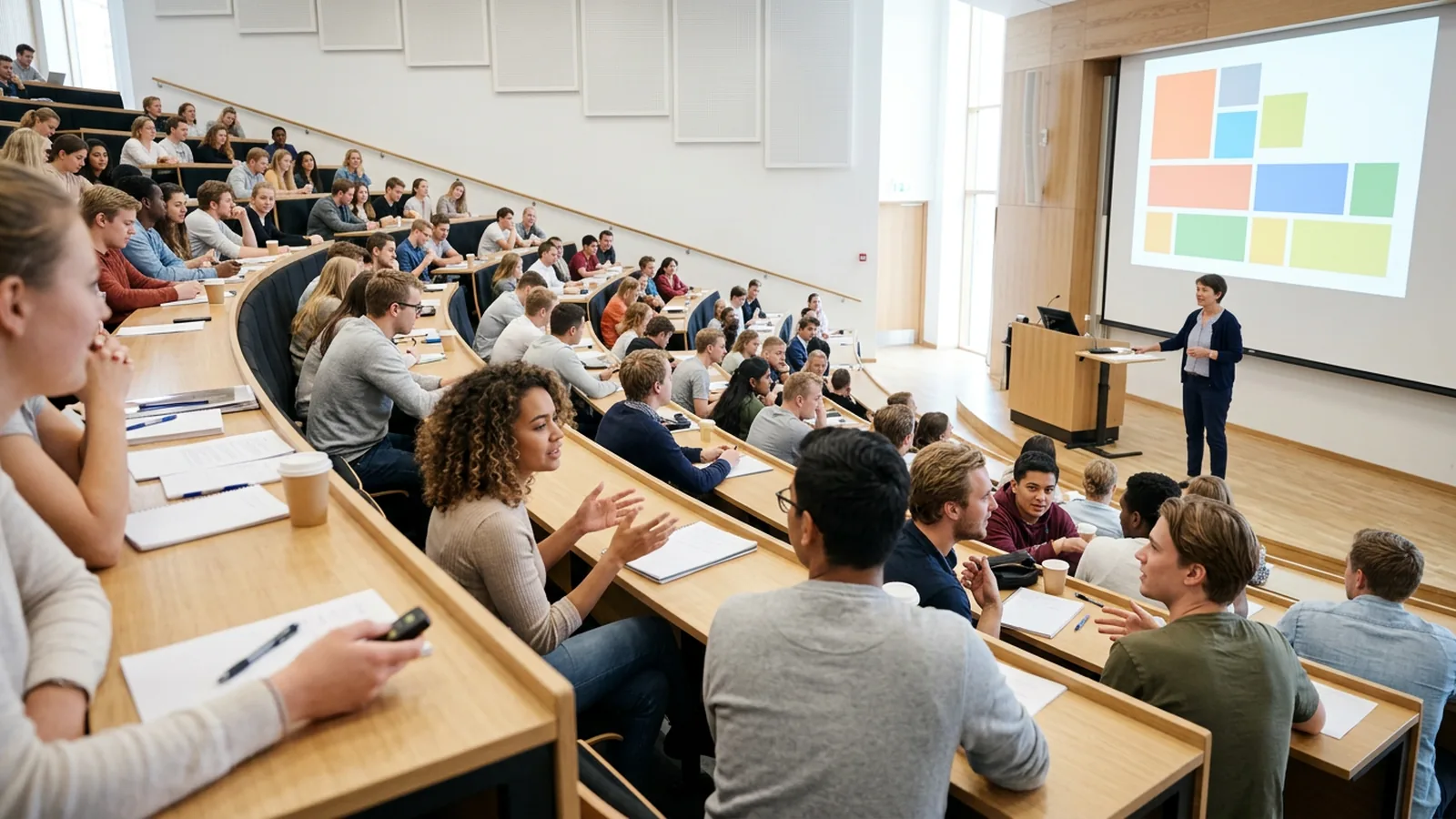
Why is student engagement so hard in a big lecture hall?
In a lecture hall (lecture theatre, in UK universities) of 250, a question to the room gets answers from the same five students, and the silence from everyone else can mean the whole room understood or that nobody did.
Answering out loud also changes the answers. In a study by Stowell and Nelson, students who answered review questions by raising hands got 98% right, while students who answered privately on clickers got 82% right. The authors read the hand-raising score as students copying the visible majority. Collect answers privately if you want to know what the room really thinks.
What does the research say works in large lectures?
- A meta-analysis of 225 studies by Freeman and colleagues found exam scores about 6% higher in active learning sections. Students in traditional lectures were 1.5 times more likely to fail.
- A follow-up analysis by Theobald and colleagues found active learning reduced achievement gaps for underrepresented students by 33% on exam scores and 45% on passing rates.
- Crouch and Mazur reported ten years of peer instruction in Harvard's introductory physics courses, with clear gains in both conceptual understanding and problem solving.
In a Harvard study, Deslauriers and colleagues found that students in active classes learned more, but felt they learned less than students in a traditional lecture. Expect some students to say they prefer just listening, and show them this result in the first week.
How do you run peer instruction with 200 students?
Peer instruction needs no extra room or staff. Here is the sequence, with timings from the clicker guide written by the science education teams at the University of Colorado and the University of British Columbia:
- Pose a conceptual question. One concept, four plausible options, at least one built on a common misconception.
- Individual vote. Most students need 30 seconds to a minute to read, think and answer. Do not show the results yet.
- Look at the spread yourself. Crouch and Mazur found discussion helps most when 35% to 70% of students answer correctly on the first vote. Below 35%, explain more before discussion. Above 70%, briefly confirm and move on.
- Discuss. "Turn to your neighbor and convince them." Ask students to explain their reasoning. Give one to four minutes.
- Second vote. Same question. When about three quarters of the room has voted, announce that voting is about to close.
- Show both results and explain. Show the first and second votes side by side. Then explain why the right answer is right and why the popular wrong answer is tempting.
Crouch and Mazur also tracked how answers changed. Students who changed their answer during discussion mostly went from wrong to right; changes from right to wrong happened only 6% of the time.
The same guide suggests that in the first weeks you, ask students to learn the names of the people around them, in front and behind, so discussion starts faster.
Which other student engagement strategies scale to hundreds?
Prediction before demonstration
Before you run a demonstration, show a video or reveal data, ask students to predict the result. Reveal the answer later in the lecture (see the plan below).
The concept check with a trap
After explaining an idea, ask a question where the most common misunderstanding leads to a specific wrong answer. If 40% pick that option, you know exactly what to explain again.
Pre-lecture questions
Crouch and Mazur replaced reading quizzes with three short online questions due before each class, the last one asking what students found difficult. Read the answers before the lecture and spend your time on the hard parts.
The minute paper and the muddiest point
At the end, ask students to write one sentence: "What was the most confusing part of today?" On paper or online, you can skim 200 answers in ten minutes and open the next lecture with the top two.
Before and after
Ask the same question at the start and end of the lecture and show both charts. Students see their own progress, and you get a quick measure of what the lecture achieved.
Split by cohort
Ask a background question once (program, year or "did you take the prerequisite?") and split later answers by it. It is a fast way to find which group is struggling in a mixed class.
How many questions should you ask per lecture?
Caldwell's review of clicker research reports that instructors typically ask two to five questions per 50 minutes. The CWSEI guide suggests four to six questions with real discussion per 50-minute class, spread across the session instead of bunched at the start or end.
The "ten-minute attention span" is weakly supported. A review by Bradbury found no good evidence for a sharp drop after 10 to 15 minutes. A US chemistry study by Bunce, Flens and Neiles found that attention lapses come in short cycles that get shorter as the lecture goes on, and that clicker questions and demonstrations reduced them. Place a question wherever the content shifts, and do not run 25 minutes without one.
Should clicker questions count toward the grade?
A small share works best. The CWSEI guide reports that most instructors make in-class questions worth between a few percent and 15% of the course grade. Above 15%, the authors saw instructors spend too much time on complaints about missing credit.
The common schemes:
| Scheme | Good for | Watch out for |
|---|---|---|
| Credit for any answer | Honest answers and balanced discussion | Some students click without thinking |
| More credit for correct answers | Effort and attention | Strong students dominate discussion; answers get memorized from past years |
| Mixed: most questions participation, a few graded | Both | More setup |
Two more tips from the guide: allow two or three "free" days per term or semester so lost clickers and sick days do not turn into emails, and say clearly on day one that answering with someone else's device counts as cheating.
What about Wi-Fi, phones and the room itself?
Phone-based polling is common in UK and US universities, and it works when the network holds. In a UK example from the University of Bath, a lecturer ran polls with 70 students in a traditional lecture theatre on students' own devices, and advised asking students without a device to pair up with someone who has one.
Two numbers are worth knowing before you plan around phones. In Jisc's 2024/25 survey of 15,398 UK higher education students, 60% reported Wi-Fi connectivity issues on or off campus, and 37% lacked access to a suitable device at some point in their studies. A full lecture hall is where both problems show up together.
Handheld clickers avoid both. As EDUCAUSE describes the model, a small receiver at the front collects answers by radio from every handset. Some institutions make students buy their own; others keep a departmental set. With OMBEA Response, for example, up to 2,000 students can answer in one session within 100 meters of the receiver, with no Wi-Fi or app, and the question slides sit inside your PowerPoint deck. You can keep the chart hidden while your laptop shows every answer as it arrives, which is what step 3 of peer instruction needs. The higher education page shows how anonymous and named quizzes work.
A 50-minute lecture plan you can use tomorrow
| Minute | Activity |
|---|---|
| 0 to 3 | Prediction question on today's main idea. Don't reveal the answer. |
| 3 to 15 | Teach the first concept. |
| 15 to 22 | Peer instruction round: vote, discuss, vote again, explain. |
| 22 to 35 | Teach the second concept. Reveal the answer to the opening prediction. |
| 35 to 38 | Concept check with a trap answer. |
| 38 to 47 | Teach or work an example, based on the concept check result. |
| 47 to 50 | Muddiest point: one written sentence, or one closing question. |
That is three to four questions and one discussion round. Run this for two weeks before you add more. For more question formats, see the sibling article on check for understanding techniques, and for the full evidence base, clickers in the classroom: what the research shows.