What should you set up before the first lesson?
Do this the day before, in the room you will teach in.
- Install the software on the computer you present from. With OMBEA, for example, the add-in puts a tab in desktop PowerPoint on Windows, and a separate app (Response 360) runs on Windows and Mac next to any presentation tool. The before-you-begin guide walks through the installation. Check this early on a school laptop where you can't install software yourself.
- Plug in the receiver and test with two clickers. Press a key on each and watch the answers arrive. Then test from the back corner of the room.
- Build your question slides inside the deck you already use. One question per slide, with the answer options lettered to match the keys.
- Number the clickers. Hand out and collect by number, so you see at once which one is missing.
- Decide anonymous or named. For a first lesson, anonymous is easier. For named results, you link each clicker to a student once, from your class list, and reuse that list in later lessons.
If your school restricts phones, clickers avoid the conflict. In England, Department for Education guidance says all schools should be mobile phone-free environments by default. In the US, at least 40 states plus Washington, D.C. require districts to ban or restrict student phone use, according to Education Week.
How do you introduce clickers to a class?
Spend two minutes on why. The clicker guide from the University of Colorado and the University of British Columbia science education initiatives advises that on the first day you tell the class why and how you are using clickers and what the value is for their learning. It suggests making that point with a clicker question: "What do you think is the single most important reason I am using clickers?", with options such as getting feedback on your own understanding, telling the teacher what needs teaching again, and being able to answer honestly.
Then run a practice question with no right answer, so everyone learns which key does what:
- "How did you get to school (or college) today? A: walked, B: bus or train, C: car, D: bike or other."
- "Which topic from last week feels hardest? A, B, C or D."
Set three rules out loud:
- One clicker per person, and only your own.
- Answer on your own first. Discussion comes after.
- Wrong answers are useful. In anonymous mode nobody, including the teacher, can see who chose what.
How many questions should you ask, and when?
The same guide reports that most instructors find four to six questions that involve serious discussion work well in a 50-minute class period, spread through the lecture rather than bunched at the start or end. It also notes that students' attention often starts waning after about 10 minutes of straight lecturing.
A plan for a 50 to 60 minute lesson or class period:
| Minute | Question | Purpose |
|---|---|---|
| 0 to 5 | Practice or recall question from last lesson | Warm-up, check the kit |
| 10 to 15 | Concept question before the main explanation | Find out what they already think |
| 25 to 30 | Misconception question, with pair discussion and a re-vote | The main teaching moment |
| 40 to 45 | Application question on a new example | Can they use it? |
| Last 5 | Two exit questions | What to start with next lesson |
For more ideas for the last five minutes, see these exit ticket ideas.
How do you write good clicker questions?
Five rules from our own question design guide:
- Start with what, why, how, when or where. "How did you travel here today?" makes you write options that cover everyone. "Did you come by car?" leaves only yes or no.
- Cut extra words from the question and the options.
- Make distractors plausible. Better still, make each wrong option a mistake students really make, so the result tells you which mistake is common.
- Don't give the answer away through grammar, such as "an" before only one vowel-led option.
- Avoid negatives. "Which of these is a symptom?" is easier to read than "Which of these is not a symptom?"
Question types that work in most subjects:
- Misconception: "A heavy ball and a light ball are dropped from the same height. Which lands first?" (Science.)
- Spot the error: show a worked solution with one wrong step and ask which line. (Math, or maths in the UK.)
- Predict: "What happens to the price of bread if the harvest fails?" before you teach supply. (Economics, geography.)
- Interpret: show a source, graph or short extract and ask what it shows. (History, English.)
- Confidence: after a hard question, "How sure were you?" A class that is confident and wrong needs a different next step from one that is unsure and right.
How long should students get to answer?
The Colorado and UBC guide puts it at 30 seconds to a minute for students to process a question, then 1 to 4 minutes for productive discussion. It recommends closing when about three quarters of the class have voted: "If you wait for everyone to vote, you are waiting too long." Give a signal (a count of five, a raised hand) and close. It also advises against a visible countdown timer, which it finds distracting and limiting for discussion.
What do you do with the results?
Look at the result before you show it or speak. Keep the chart hidden on the projector while you read the answers on your laptop. Then pick one of three moves. The thresholds are a rule of thumb from practice rather than a research finding:
- Most of the class is right (around 80% or more): show the result, explain the answer in one or two sentences, and move on.
- The class is split between two or three answers: don't reveal the answer. Ask students to convince the person next to them, then vote again. In a University of Colorado genetics course, peer discussion improved understanding even when no one in the discussion group had known the right answer at first. Ten years of peer instruction at Harvard showed gains in both conceptual reasoning and problem solving.
- Most of the class is wrong: explain the concept again in a different way, then ask a similar question with new surface details.
After the lesson, in named mode, open the report and list the students who got the exit questions wrong. That list is your starter for tomorrow, or your small group for the next lesson. Reports per question and per student can be exported to Excel or PDF, and the features page shows the other tools, such as team quizzes and splitting results by class. For more ways to read a room, see these check for understanding techniques.
Should clicker answers count toward grades?
In schools, mostly no. Keep teaching questions anonymous or ungraded, so pupils show you what they really think.
In universities, some lecturers use clicker marks to encourage attendance. The Colorado and UBC guide reports that between a few percent and 15% of the course grade is common, and recommends:
- Some questions should never be graded for correctness, such as questions that draw out prior knowledge or misconceptions.
- Allow two or three "free" sessions, so forgotten clickers and absences don't turn into a stream of complaints.
- Announce at the start of the term or semester that using another person's clicker counts as cheating.
What are the most common first-lesson mistakes?
- No test in the room. A receiver plugged into the wrong laptop, or software installed on a different machine, costs the first ten minutes.
- Showing the chart while voting is open. Late voters can follow the bar that is already highest. Keep it hidden until you close.
- Waiting for every last vote. Close at about three quarters, as above.
- Only recall questions. "What year did the war end?" tells you little. Ask why, what next, or which is wrong.
- Asking and then teaching as planned anyway. If half the class chose the same wrong answer, change the next ten minutes.
- No collection routine. "Clickers back in the case by number, then you can go."
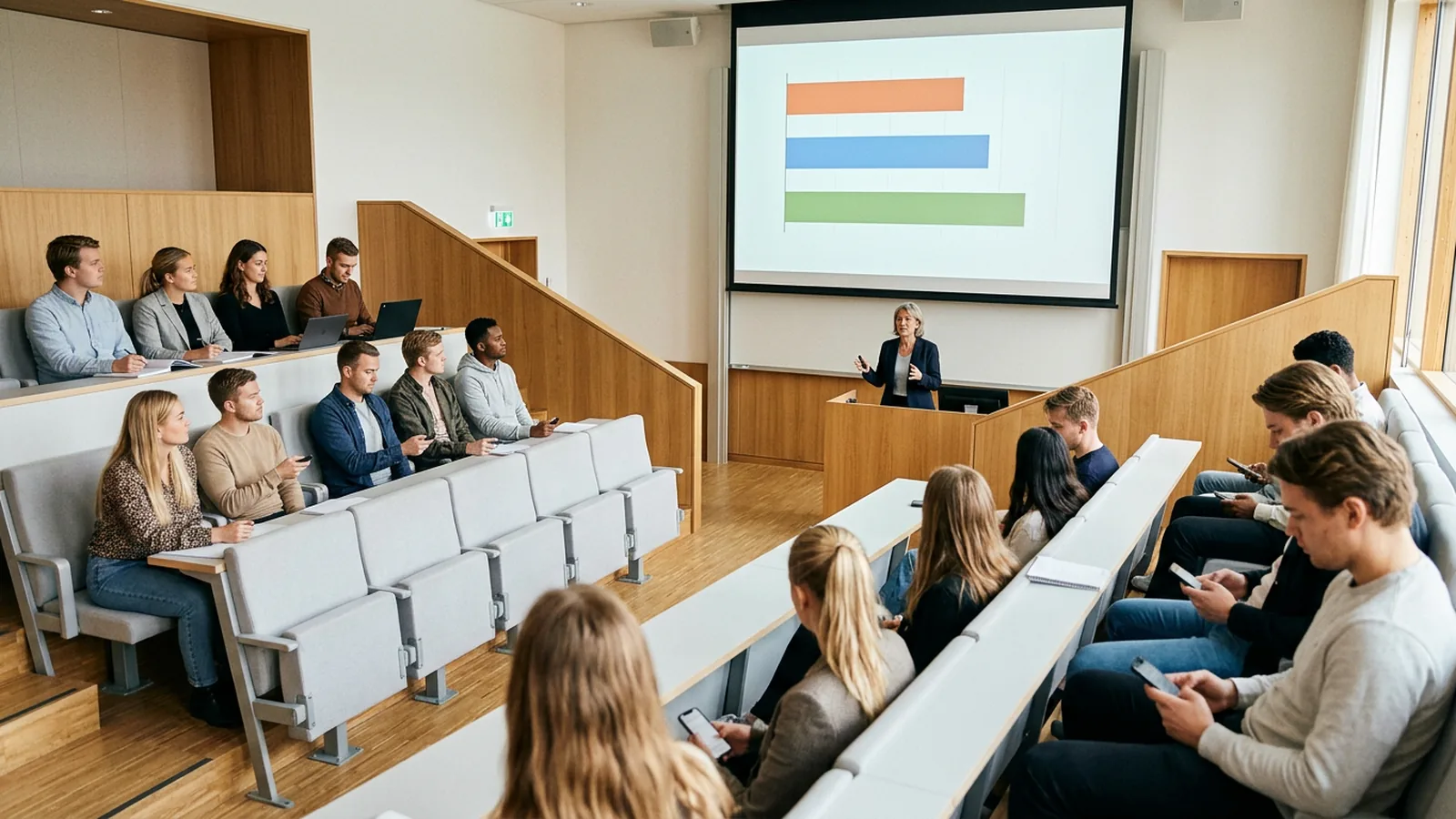
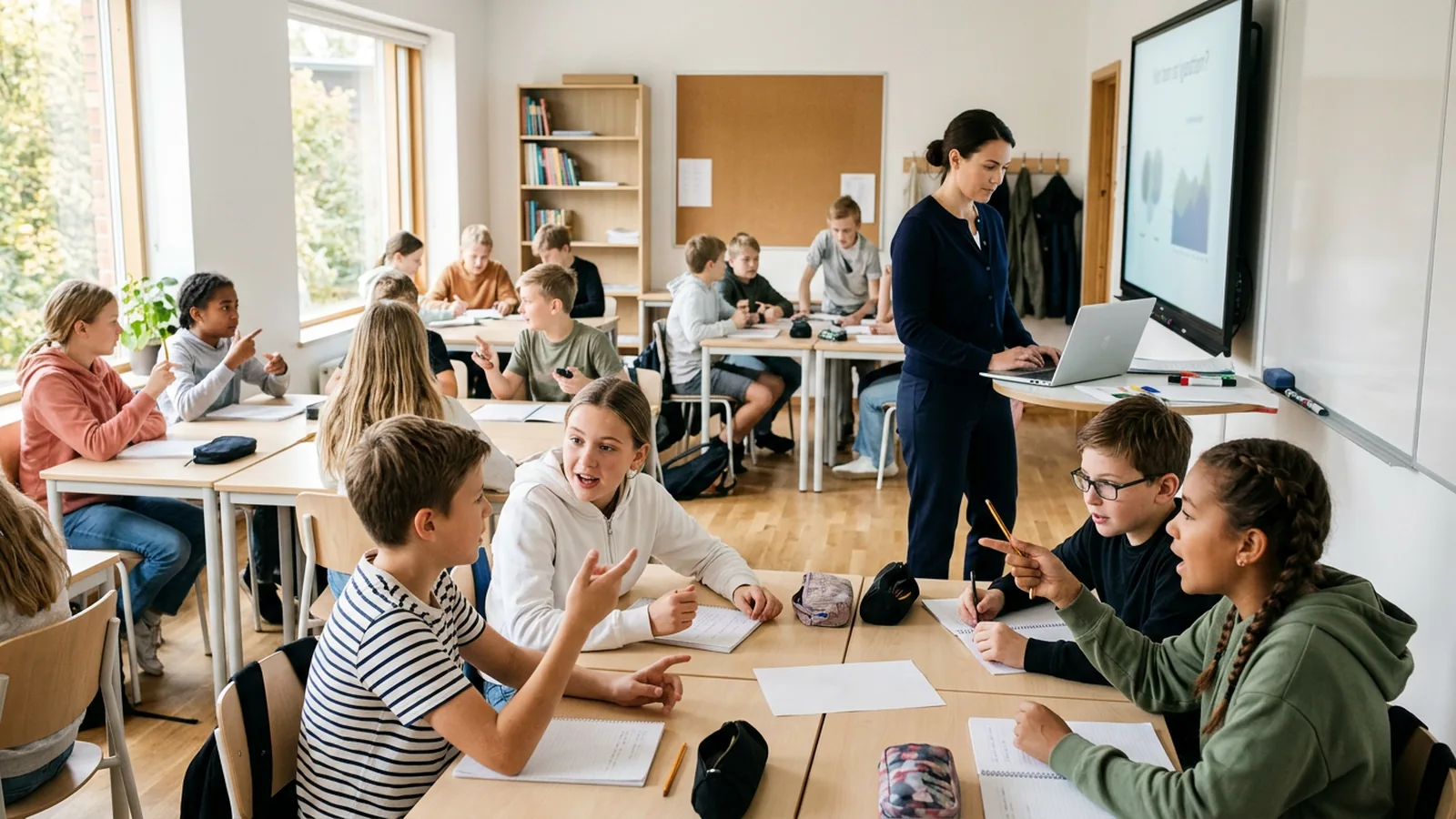
The schools page shows how this looks in a lesson, and the higher education page shows peer instruction in a lecture hall (lecture theatre, in the UK). If you are still choosing a system, compare the options in our guide to student response systems, and see what the research shows about clickers in the classroom.