What is the practical difference between clickers and phones?
| Clickers | Phones (web or app polling) | |
|---|---|---|
| What participants need | A clicker handed to them | Their own charged phone, tablet or laptop |
| Network | None for radio clickers: a receiver plugs into the laptop | Wi-Fi or mobile data for everyone at the same time |
| Time to first answer | Press a key | Open the link or app, sometimes log in |
| Question types | Multiple choice, often numbers | Also free text, word clouds, open questions |
| Remote or hybrid | Only people in the room | Anyone with a connection |
| Distraction | The device does one thing | Every other app is one tap away |
| Hardware to manage | Hand out, collect, store, change batteries | None |
| Who is left out | Nobody, if you have enough clickers | Anyone without a device, battery or signal |
Do phones distract people during polls?
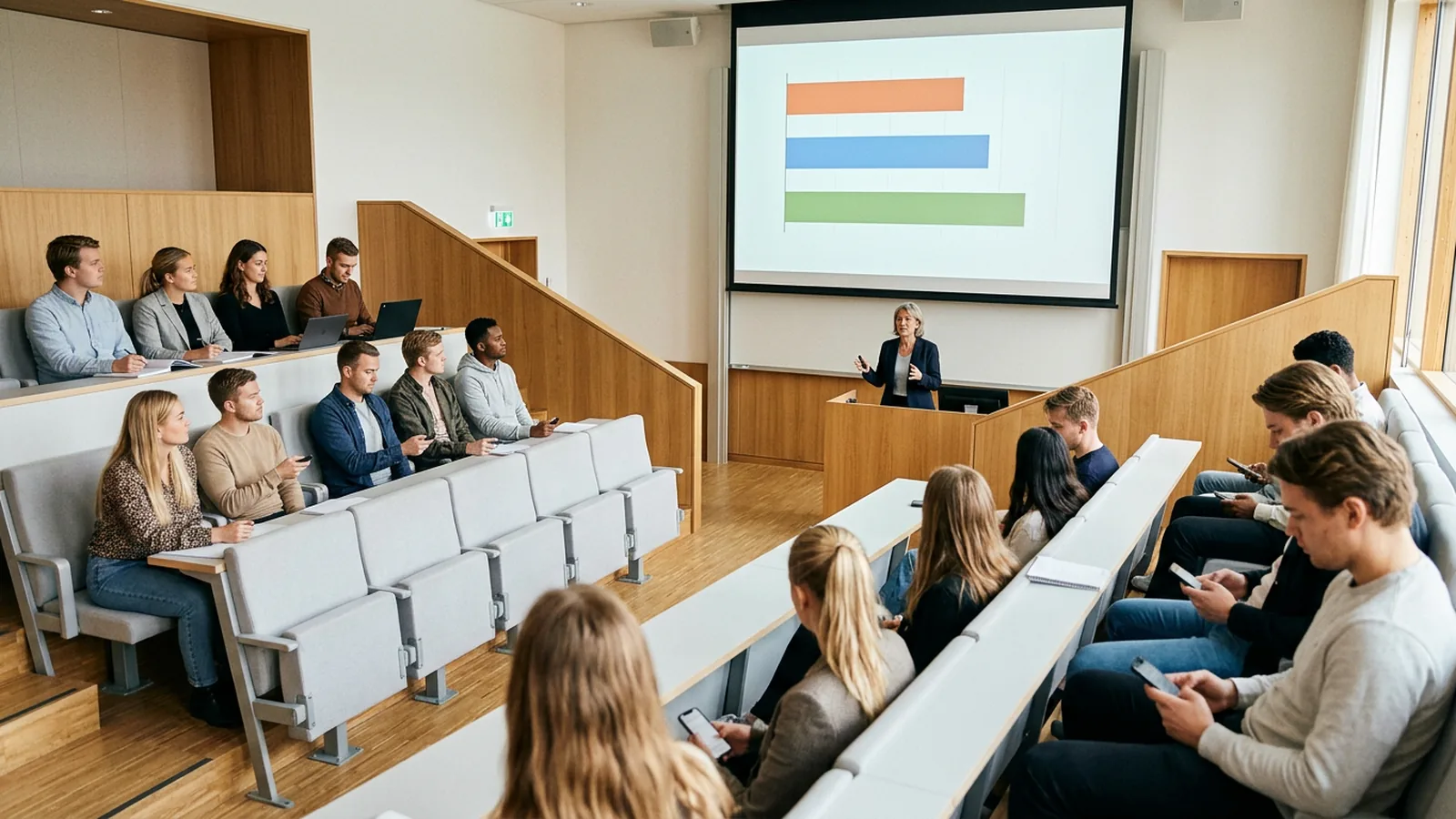
The best direct evidence comes from a UK study. At the University of Hull, two second-year biology modules ran some lectures with clickers, some with an app on students' own devices and some with no technology. Of the 78 students who answered the questionnaire, 44 used their own device (Morrell and Joyce, F1000Research, 2015).
- 81.8% of device users said having their device ready did not distract them.
- But 70.5% of device users admitted using it for at least one other activity, such as email or social media, during the device lectures. In the clicker lectures the figure was 25%, and in the no-technology lectures 43.2%.
- Students worried about battery: one reported losing 20 to 25 percentage points of charge in a one-hour lecture.
Research on phones nearby, even unused, points the same way, with a smaller effect than first claimed. A 2017 University of Texas study of nearly 800 people found that participants with their phones in another room "significantly outperformed those with their phones on the desk" on tests of available mental capacity (UT News). A 2024 meta-analysis of 56 studies with 7,093 participants found that working memory was "negatively impacted by the mere presence of a smartphone," while other cognitive functions showed no overall effect (Parry, Media Psychology, 2024).
Teachers see it too. In fall 2023, 72% of US high school teachers said phone distraction is a major problem in their classroom, compared with 33% in middle school and 6% in elementary school (Pew Research Center).
In practice: if attention is the main goal of the question, ask it on a device that cannot do anything else. If the answer itself is the goal, for example collecting ideas in free text, phones are worth the distraction.
What if phones are banned in your school?
Then the choice is mostly made for you during lessons.
- England: Department for Education guidance expects schools to make sure that "pupils do not have access to their mobile phone throughout the school day including during lessons." It became statutory on 29 June 2026, and schools follow it from 1 September 2026. Schools may give sixth-form students limited access at set times and places (DfE).
- United States: "at least 40 states and the District of Columbia require school districts to ban or restrict students' use of cellphones in schools," according to Education Week's tracker. Rules range from instructional time only to bell-to-bell (Education Week).
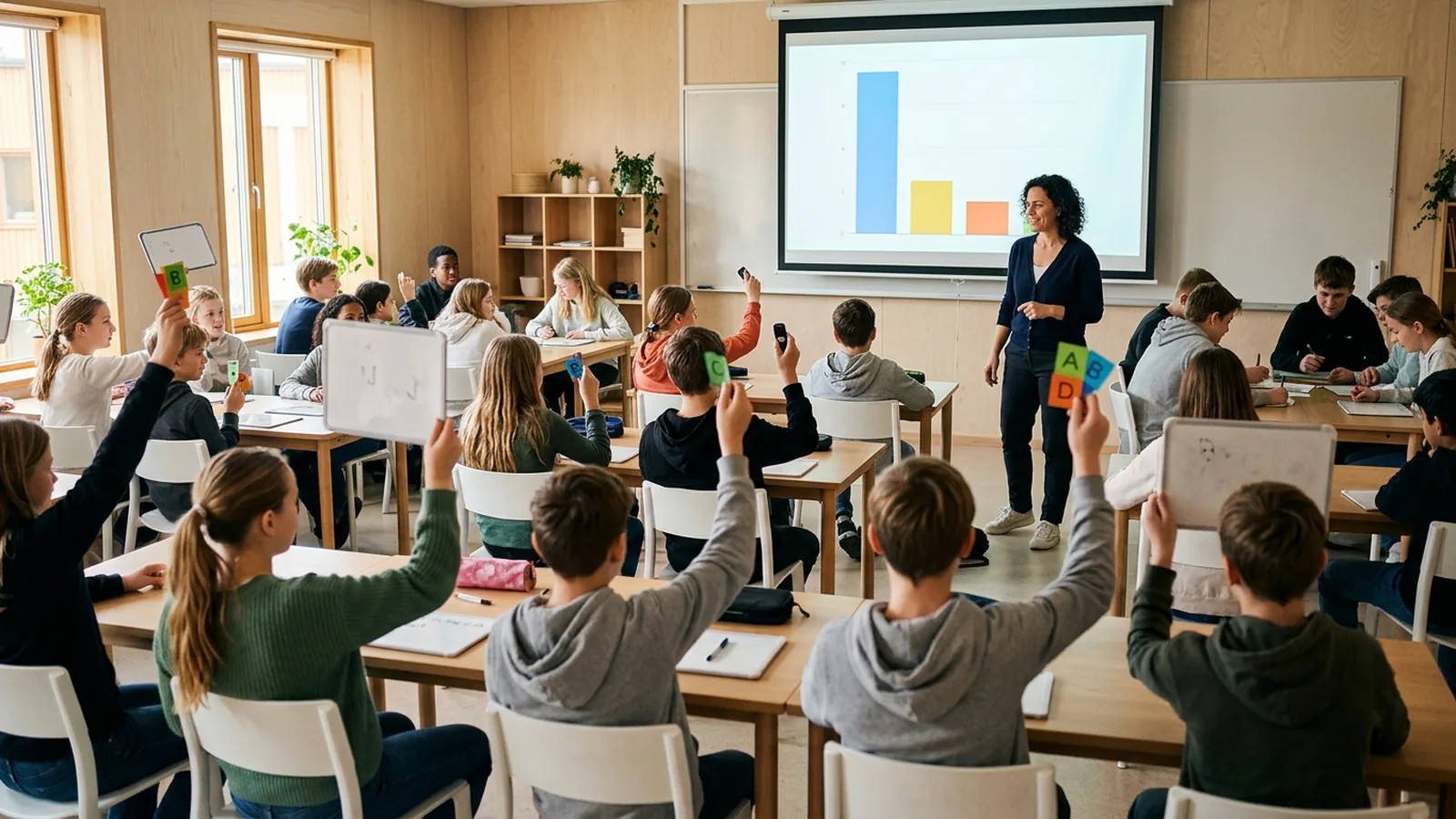
These rules cover schools. Universities and colleges set their own, so in a lecture hall or lecture theatre the decision is usually the lecturer's. In a secondary school or high school class under a ban, the options for whole-class answers are clickers, printed answer cards scanned by the teacher, mini whiteboards and show of hands. Our guide to keeping lessons interactive under a phone ban covers each, and from screens to hands up looks at the wider move away from screens.
Will the Wi-Fi cope with a whole room on phones?
Often not without planning. Cisco Meraki lists theoretical limits of 512 or 1,024 clients per access point, then warns that "in real-world deployment, interference caused by multiple clients communicating simultaneously will cause this limit to be far lower" (Meraki). The limit that matters is how many phones can answer in the same 30 seconds.
Before you rely on phones in a 300-seat hall, ask IT how many access points cover the room and how many devices they were planned for. Then run a test poll at the start of a real session, before a question that matters. If 10% of the room cannot join, that is 30 people left out of the question. More in live polling without Wi-Fi.
When are phones the better choice?
- Open questions. "What is the one thing you would change?" needs typed answers. Word clouds need them too.
- Remote and hybrid groups. People who are not in the room cannot use a clicker.
- No logistics. Nothing to hand out, collect or count back into a case.
- Some students prefer them. In the Hull study, 72.7% of the device users preferred lectures where they answered on their own device. The clicker users leaned the other way: 76.5% of them preferred the clicker lectures (Morrell and Joyce). People tend to prefer what they have tried.
Check two things first: that everyone has a device that works with the tool, and that nobody is left out. In the Hull focus groups, students named app availability and peers without suitable technology as barriers, especially if compatible clickers were not available.
How do you use clickers and phones in the same session?
A workable split, for a lecture, a training day or a conference session:
- Multiple-choice questions on clickers. Concept checks, quizzes, votes. They are fastest and nobody needs a signal.
- Open questions on phones. One word-cloud opener or one "what is still unclear?" question at the end.
- Keep phones away between those moments. Tell the room when you will need them: "Phones out for this one, then away again."
- Have a few spare clickers for anyone whose phone is flat or not allowed.
For large lectures and exams, a set of clickers carries the load. For seminars, workshops and small groups, phones alone may be enough.
How does OMBEA handle clickers and phones?
OMBEA works with both. ResponsePad clickers talk by radio to a USB receiver within 100 meters, with no Wi-Fi, no app and no pairing. One session takes up to 2,000 people, and the batteries last about three years. ResponseApp lets people answer in the browser on a phone, tablet or laptop with Wi-Fi or mobile data, which is how word clouds and free-text answers work. Results from both show live in PowerPoint. See the features, the higher education and schools pages, and the guide to polling with phones.