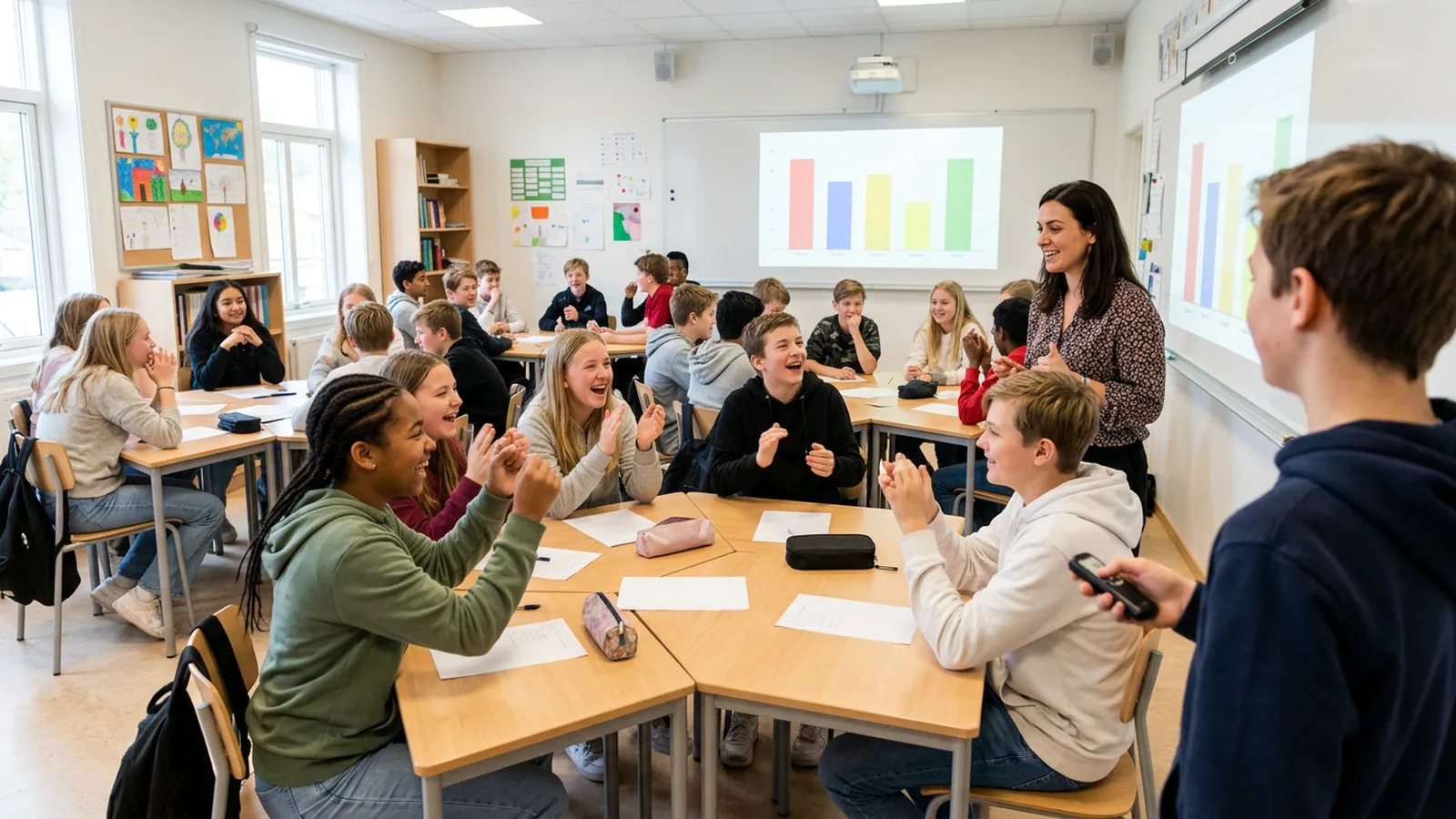
Why do instructors want an option students never pay for?
Students already skip required course materials. In a US survey of more than 5,000 college students in September 2020, 65% said they had skipped buying a textbook because of cost, and 21% had not bought a required access code (Student PIRGs, Fixing the Broken Textbook Market). In England, the Office for National Statistics found in early 2023 that 49% of higher education students felt they had financial difficulties, and 58% of those with a student loan said it did not cover their living costs (ONS).
For polling, this has a direct teaching consequence: students who did not buy cannot answer, so your results describe only part of the room.
Do iClicker students always have to pay?
No. It depends on the course. iClicker's own page says: "An enrolled student's course determines which iClicker subscription, if any, is required" (iClicker). iClicker also offers an institution-wide plan. Its institutions page says that with it, "students have no extra out-of-pocket cost and no additional hardware required," and that students take part from the smartphones and laptops they already have. Before you look elsewhere, ask your teaching and learning team whether your campus has one.
What are the alternatives that students never pay for?
| Option | Students use | Phones in class? | Records per student |
|---|---|---|---|
| Department-owned clicker set (for example OMBEA, CLiKAPAD) | A clicker handed out at the door | No | Yes, with a class list |
| Plickers | A printed paper card, scanned by the teacher's phone | Teacher's only | Yes |
| Campus license (for example iClicker enterprise, Mentimeter, Vevox) | Their own phone or laptop | Yes | Yes |
| Colored cards or mini whiteboards | A card or board | No | No |
Details from each provider's own pages (as of November 2026):
- Plickers: "Students answer questions by holding up unique cards, so there's no need for student devices or accounts." Sessions "can even be taken offline if no internet connection is available" (Plickers help).
- CLiKAPAD: keypads with a USB receiver; "no WiFi or Internet connection is needed" (CLiKAPAD).
- OMBEA: ResponsePad clickers talk to a USB receiver by radio, up to 100 meters away, with up to 2,000 students in one session and no Wi-Fi (features).
Two examples of campus licenses: in the UK, the London School of Economics uses Mentimeter as "the School's centrally supported live polling system" (LSE). In the US, Stony Brook University supports Vevox as its supported response system (Stony Brook IT).
Phones or a clicker you hand out?
If phones are welcome in your class, a campus license is the simplest no-fee route, and it allows open-text answers and word clouds.
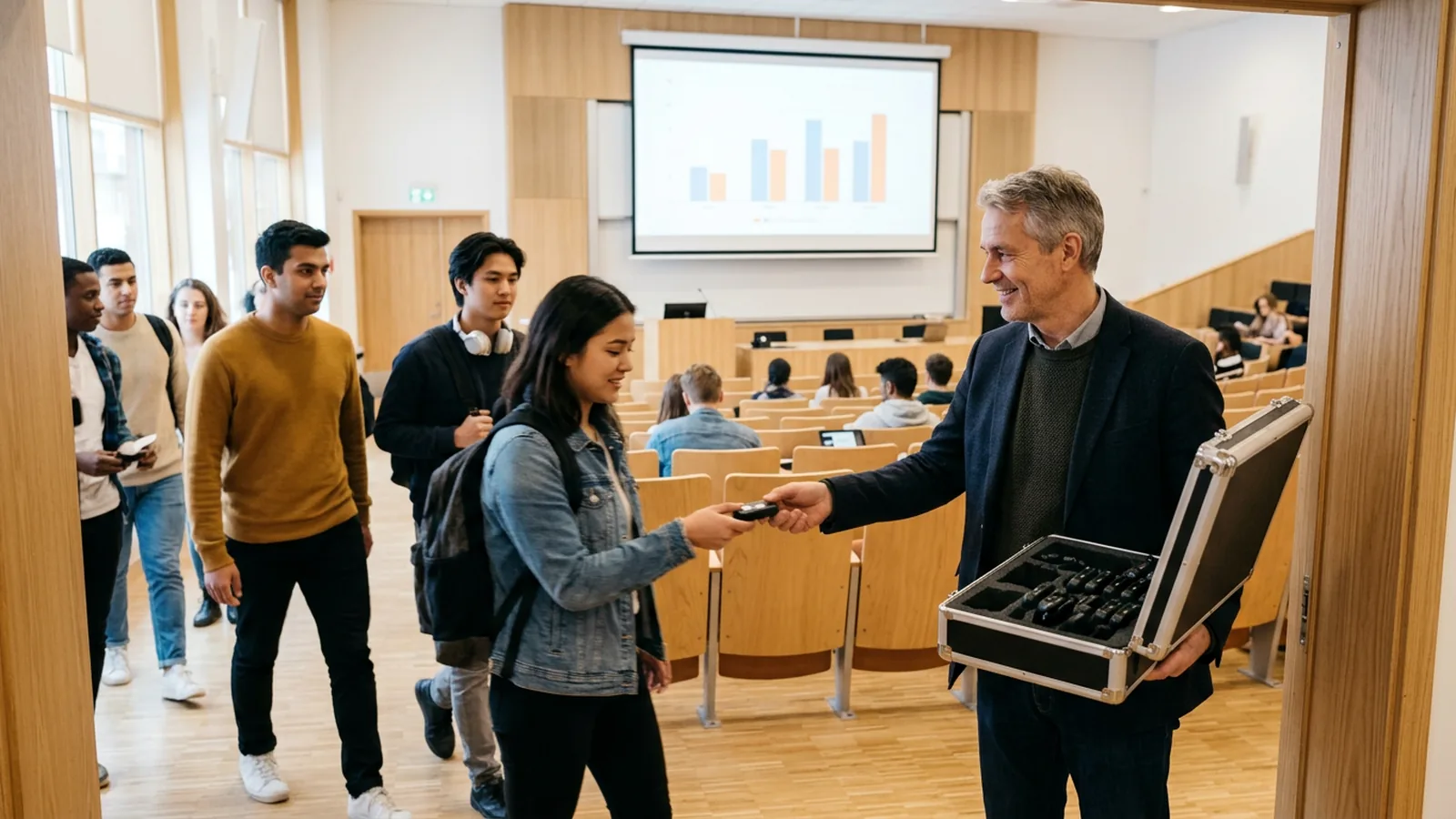
If you keep phones away, a handed-out device is the only option on this list that still gives you a record per student without student devices, apart from paper cards. At UMass Lowell, Assistant Teaching Professor Cecil Joseph, who keeps a no-phone policy in lectures, first answered a student team's clicker idea with "No electronics in my classroom." He agreed once he learned it was a standalone device with no internet connection (UMass Lowell, 2026).
Our article on clickers or phones covers the trade-offs in detail.
How do you run a shared clicker set?
A set that lives in a carry case only works if handing out and collecting takes under two minutes. Steps that get you there:
- Number every clicker and its slot in the case. An empty slot tells you which one is missing.
- Hand out at the door, by row. A student volunteer can do it.
- Link clickers to names once if you need graded records. With ResponsePads you paste the class list, and each student presses a key to link their clicker to the next name. Save the list and reuse it every week.
- Use anonymous mode for concept checks and sensitive questions, and named mode for quizzes.
- Collect at the end with the case open on the front desk, and count the empty slots before you leave.
- Keep five spares for late students.
- Share across courses. One set can serve every course in a building. Keep one class list per course.
To try tomorrow without any device: print colored A to D cards, ask one hard question in the middle of the lesson or lecture, let students discuss with a neighbor, then ask again.
What should you check before choosing?
- Does your institution already have a campus license?
- Will the set stay in one room or move between buildings? Who stores and looks after it?
- Do you need grades in your LMS, or is an Excel export enough?
- Which PowerPoint versions run in your rooms? OMBEA Response runs in desktop PowerPoint on Windows (Office 2010 to Microsoft 365 desktop, not the browser version). OMBEA Response 360 runs on Windows and Mac next to any presentation tool, such as Keynote.
For the first lesson with a new set, see how to use clickers in the classroom. If you are leaving another clicker brand, TurningPoint alternatives lists the questions to ask each vendor.