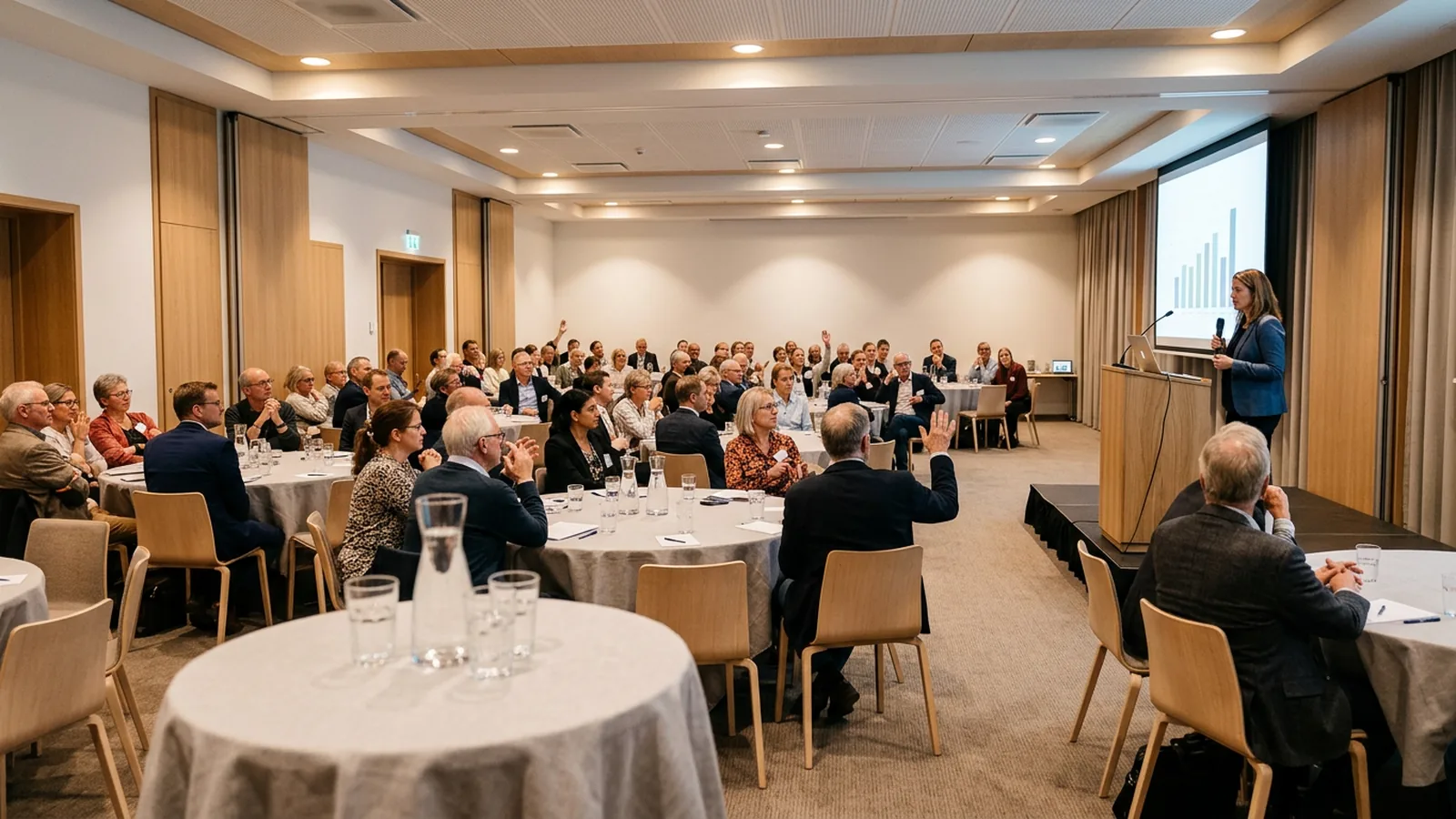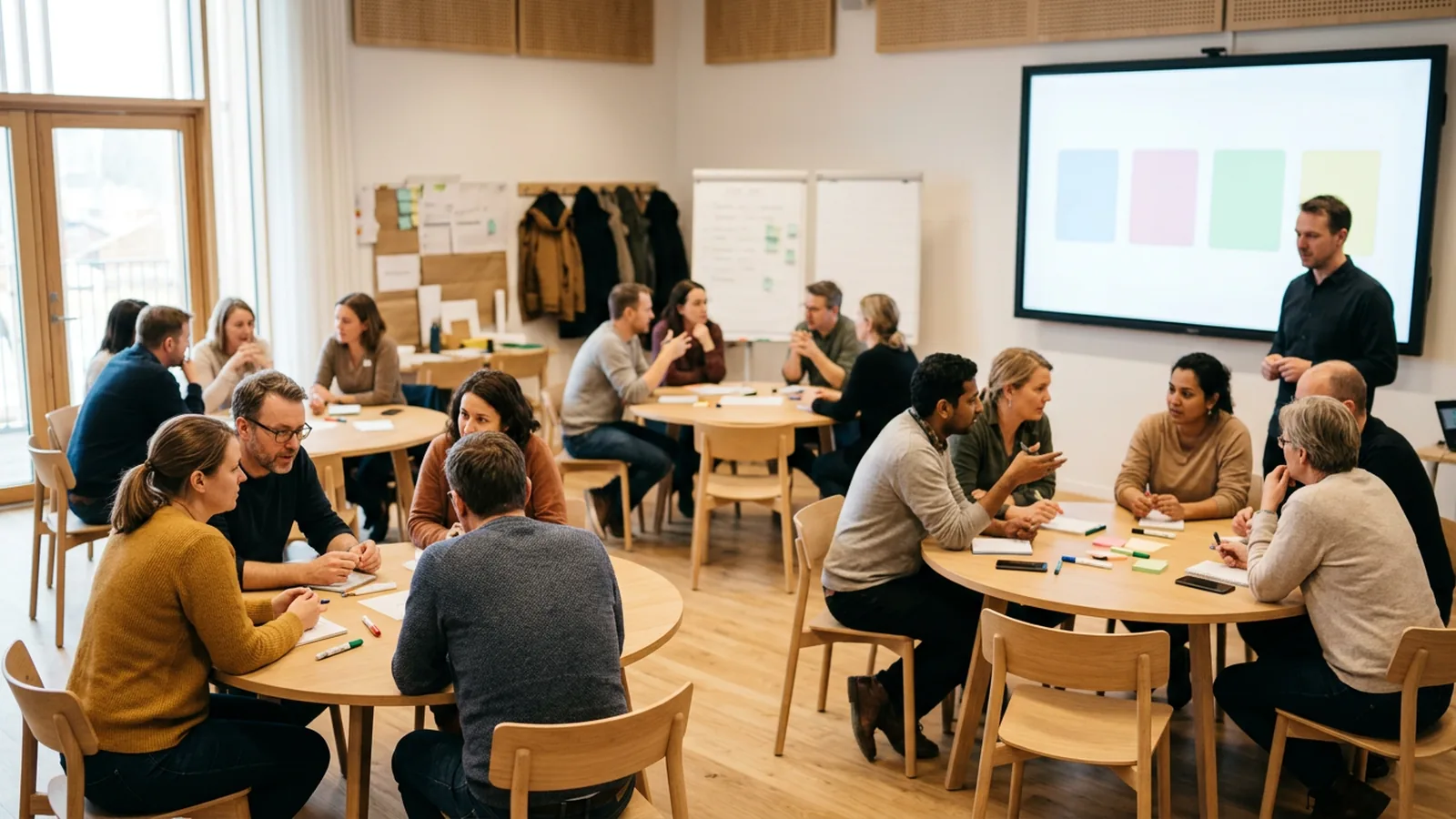
What makes a presentation interactive?
Everyone answers, not only the people who put a hand up, and you change what you say based on the answers. Frequency matters too. In a study of three general chemistry courses, students used clickers to report their own attention lapses. Lapses came in shorter and shorter cycles as a lecture went on. After clicker questions and demonstrations, students reported significantly fewer lapses, and the effect carried into the lecture that followed (Bunce, Flens and Neiles, Journal of Chemical Education, 2010).
A meta-analysis of 225 studies in undergraduate science, engineering and math found that exam scores rose by about 6% under active learning, and that students in traditional lectures were 1.5 times more likely to fail (Freeman et al., PNAS, 2014). Those were university courses, so treat it as a guide for training rooms and conference halls, not proof.
Which interactive ideas work at the start?
Put the first question on slide two or three, before people settle into listening mode.
1. The prediction question. Before you show a number, ask the room to guess it. "What share of our customers renew after year one? A: 40%, B: 60%, C: 80%, D: 95%." Then reveal. Richland, Kornell and Kao found that trying to answer questions before reading a text improved later test scores, even for questions people got wrong (Journal of Experimental Psychology: Applied, 2009). The US Institute of Education Sciences recommends pre-questions to introduce a new topic, while rating the evidence for that specific use as "low" because most of it comes from lab studies (IES practice guide, 2007).
2. Who is in the room? One background question: role, department, years of experience, region. It warms people up and gives you a variable to split later results by. If the sales team and the support team answer the same question differently, that is often the most interesting slide of the day.
3. Myth or fact. Three statements about your topic, one vote each. Pick myths your audience actually believes, then spend the next section on the one most of the room got wrong.
4. One-word check-in. "In one word, how are you arriving today?" shown as a word cloud. This one needs free text, so it needs phones or laptops. For more openers, see icebreaker questions for meetings.
Which ideas keep people with you in the middle?
Plan one interaction every 10 to 15 minutes as a rule of thumb, and tie each one to the point you just made.
5. Vote, discuss, revote. Ask a question that splits the room. Everyone votes alone, talks to a neighbor for two minutes, then votes again. This is Peer Instruction. In a Science study, students who discussed a concept question then answered a new question on the same idea with scores 21 percentage points higher than on their first vote (Smith et al., 2009). It works best when 35% to 70% get it right the first time; above 70%, discussion adds little (Crouch and Mazur, 2001).
6. The hinge question. Before a section that depends on the previous one, ask a question that shows whether people are ready. Decide in advance: if fewer than half get it, you spend five more minutes on the basics.
7. What would you do? Describe a realistic situation and give four options. "A supplier misses a delivery date for the second time. Do you A: escalate, B: renegotiate, C: switch, D: wait?" No option has to be correct. The spread of answers is the discussion.
8. Rank the priorities. Give five options and ask people to vote for the most important. Show the ranking. In a strategy session this turns a long debate into a ten-minute conversation about the top two.
9. Value versus risk. Have the room rate each suggestion on two criteria, such as value and risk, and plot them. Start the discussion with the high-value, low-risk corner.
10. Confidence scale. "How confident are you that you could explain this to a new colleague? 1 to 5." Ask it after a hard section. A low average is a signal to slow down. Few people say no to "does that make sense?" in front of colleagues.
11. The anonymous temperature check. Some questions only get honest answers when nobody can be identified: "How realistic is this deadline?" or "Do you have what you need to do this?" Say out loud that answers are anonymous before you ask.
How do you end an interactive presentation?
12. Team quiz. Split the room into teams, run five questions on the content, and show team scores between rounds. For how to build one, see quiz in PowerPoint.
13. One-question recap. One question on the single most important point. If the room gets it wrong, you have two minutes left to fix it.
14. Commit to one action. "Which of these will you try first?" with four concrete options. Show the result, then ask two people who chose different options to say why. At the end of training, this gives managers a list of what the group plans to try.
15. Rate the session. One or two rating questions while people are still in their seats, for example "How useful was this for your job? 1 to 5" and "Which part should we cut?" You hear from everyone in the room instead of only the people who open a follow-up email.
How do you run interaction without Wi-Fi or an app?
Most polling tools assume every person has a phone, a working connection and a minute to join.
- Connectivity is patchy. In Jisc's 2024/25 survey of 15,398 UK higher education students, 60% reported Wi-Fi connectivity issues on or off campus (Jisc). At a conference, hundreds of attendees share the venue's network at the same moment you ask them to join.
- Phones are banned in many schools. In England, government guidance says schools should be "mobile phone-free environments by default" (GOV.UK), and at least 40 US states plus Washington, D.C. require districts to ban or restrict student phone use (Education Week tracker).
What you can use instead:
| Method | Best for | Limit |
|---|---|---|
| Show of hands | Quick yes/no, small rooms | Not anonymous, hard to count |
| Colored or ABCD cards | Classrooms, workshops up to about 40 | No record, people copy neighbors |
| Stand up / move to a corner | Energy after lunch | Slow, not anonymous |
| Clickers (keypads, voting handsets) | Any size, anonymous votes, recorded results | Hardware to hand out and collect |
With OMBEA, a ResponsePad clicker talks to a USB receiver by radio, so it works with no Wi-Fi and no app, within 100 meters of the receiver, for up to 2,000 people. Question slides are normal PowerPoint slides that follow your theme. The features page shows the question types, and the events and conferences and corporate training pages show typical setups.
What are the common mistakes?
- Showing results while people vote. Early voters steer late voters. Hide the chart until voting closes.
- Questions with an obvious answer. If 95% get it right, you learned nothing and the room feels patronized.
- Not talking about the result. Say what surprised you, and ask someone from the minority to explain their vote.
- Too many questions. Every two minutes feels like a test.
- Setup eating the session. If joining takes two minutes and you ask four questions, the setup is a third of your interaction time. Test the room before people arrive.
Try it in your next talk
Take your next deck and add three slides: a prediction question on slide two, a vote-discuss-revote in the middle, and a one-question recap at the end. To have those votes counted live without phones or Wi-Fi, see the features or ask for a quote for your group size.