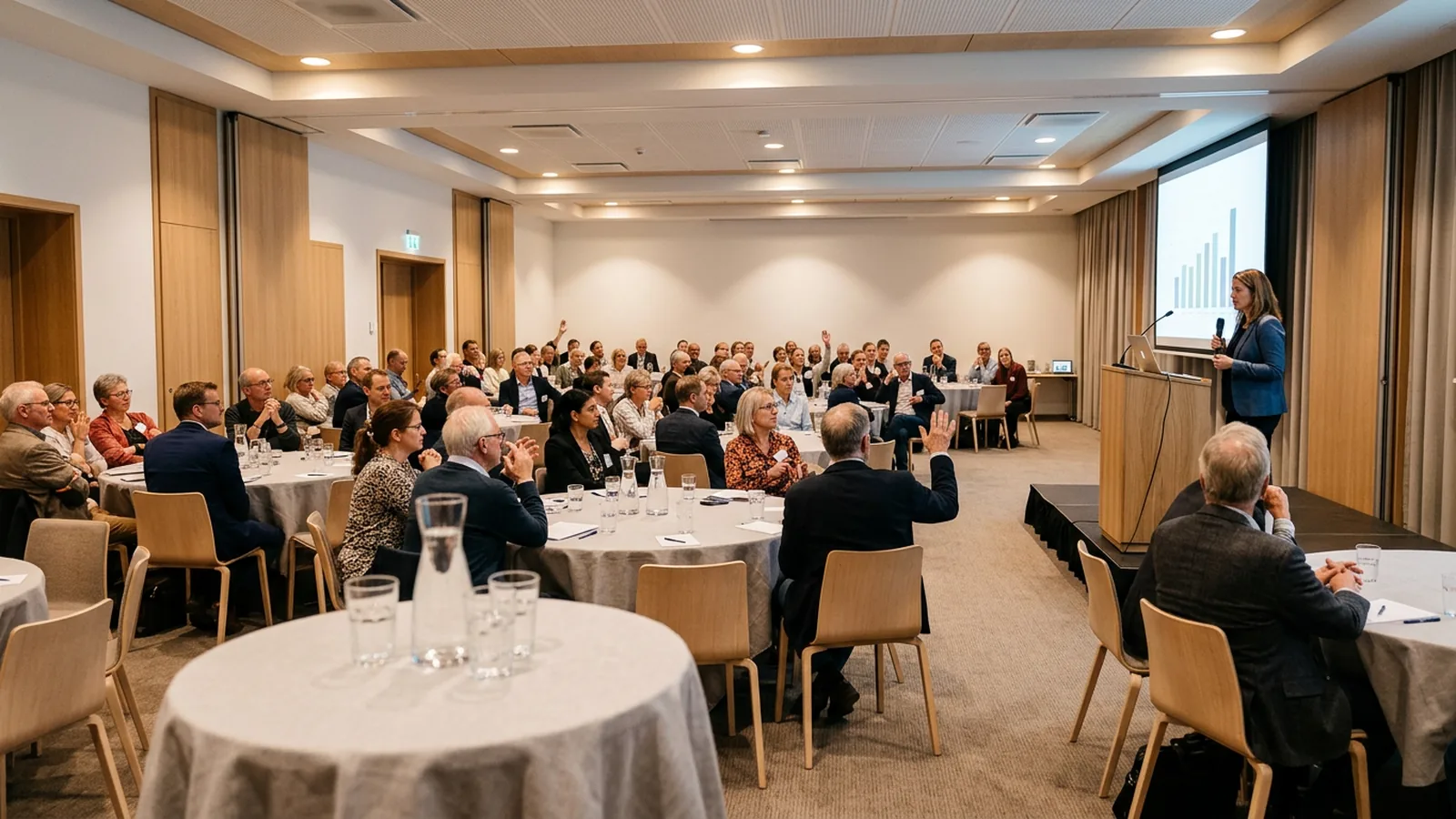
Why does live polling fail on venue Wi-Fi?
Most polling tools run in the cloud. Every participant's phone has to join the network, load a web page and send its answer to a server, all within the same minute.
Cisco's high client density design guide defines high density as "1 client every > 1.5 sq m," which covers "a conference room, classroom, lecture hall, auditorium, sports arena or Conference hall." It suggests "50 users per radio interface" as a conservative design guideline, and its worked example of a 1,200-seat auditorium needed 28 separate 5 GHz radio interfaces (Cisco). Cisco Meraki warns that published client limits per access point are "only a theoretical maximum" and that in real deployments interference "will cause this limit to be far lower" (Meraki).
A hotel function room or a village hall was rarely designed that way. Add a login page for guest Wi-Fi, laptops syncing in the background and phones that drop the connection when the screen locks, and the poll that worked in your office rehearsal stalls in front of 300 people.
Where do you need polling that works offline?
- Basements and windowless rooms in hotels, conference centers and town halls, where mobile signal is weak too.
- Rural venues, retreats and field sites.
- Secure sites where phones stay in a locker: defense, some government and health settings, and many factory floors.
- Schools with phone bans. In England, government guidance says "all schools should be mobile phone-free environments by default" (GOV.UK). In the US, at least 40 states plus Washington, D.C., require districts to ban or restrict student phone use (EdWeek tracker). Polling on pupils' or students' own phones is not an option there, whatever the Wi-Fi.
- Large plenaries and lecture theatres, where even good Wi-Fi is shared by everyone in the hall.
- Traveling trainers who teach in a different room every week and cannot test the network in advance.
Which polling options work without Wi-Fi?
| Option | How answers travel | Needs internet on the day? | Good for |
|---|---|---|---|
| Radio clickers with a USB receiver | Each clicker to a receiver on the presenter's laptop | No | Any size room, records per person |
| Paper cards scanned by the presenter (Plickers) | Presenter's phone camera reads the cards | Sessions "can even be taken offline" (as of November 2026) | Classrooms where you can see every card |
| Colored cards or mini whiteboards | Your eyes | No | Quick checks, small groups |
| Phones on mobile data | Each phone over 4G or 5G to the cloud | Yes, mobile data | Rooms with strong signal, open-text answers |
| Phones on your own portable router | Phones to router, router to the internet | Usually yes | Small groups, if the router has a connection |
A portable router alone does not solve the problem for most cloud polling tools. It gives phones a local network, but the tool still needs the internet behind it.
What do radio clicker systems offer offline?
Facts from each provider's own pages (as of November 2026):
- iClicker base stations use "a two-way radio frequency system" in the 900 MHz band, "ensuring no interference with Wi-Fi networks," with a range of 200 to 300 feet (iClicker specs).
- CLiKAPAD says its "system uses a USB receiver that plugs directly into the PC, no WiFi or Internet connection is needed" (CLiKAPAD).
- PointSolutions (formerly TurningPoint, now Echo360) lists an internet connection as a requirement for account authentication and Cloud features (requirements). Its offline licensed receiver "allows users to run PointSolutions without a connection to the internet" and is sold to instructors without connectivity and organizations that prohibit online solutions (offline receiver).
- OMBEA ResponsePads use their own radio link to a USB ResponseLink receiver, up to 100 meters (about 330 feet) away. The software runs on the presenter's PC, so clickers need no Wi-Fi, no app and no account, and up to 2,000 people can answer in one session. Results appear live on the PowerPoint slide (features).
Ask each vendor whether the system needs the internet for login or licensing as well as during the poll. A tool that answers offline but checks a license online at startup can still stop you in a basement.
How do you set up a poll that does not depend on the network?
Do these before the day:
- Install everything on the presenting laptop. Polling software, fonts and the deck itself. Desktop PowerPoint, not the browser version. OMBEA Response, for example, runs in desktop PowerPoint on Windows, and the browser version is not supported.
- Rehearse in airplane mode. Turn off Wi-Fi on the laptop and run every question slide. If anything asks you to sign in, fix it now.
- Plug the receiver in before you open the deck, and use a USB port you can reach. Bring a short USB extension in case the lectern hides the ports.
- Walk the room. Ask a colleague to press a key from the back row and the corners while you watch the response count.
- Count devices. One per participant, plus 10% spares. Number them so you can see which ones are missing at the end.
- Explain the keys in one sentence. "Press the letter of your answer. The light tells you it was received."
- Have a paper fallback. One question you can ask by show of hands or colored cards if something fails, so the session keeps its rhythm.
- Export the results before you pack up, while you still have the laptop. Every answer is saved, and reports export to Excel or PDF.
What do you give up without the internet?
- Open-text answers and word clouds. Clickers send letters and numbers, not sentences. If you need free text, participants need phones and a connection. OMBEA's ResponseApp does this in the browser, for example, but it needs Wi-Fi or mobile data.
- Remote participants. People joining from home need the internet. For a hybrid session, use clickers in the room and phones for those online, if your tool supports both in one session.
- Instant cloud sharing. Results are saved on the laptop. You share them afterwards.
Checking understanding, voting on a motion, rating a session and running a quiz all work with multiple choice. Our article on clickers or phones goes through which to pick when.
What questions work well offline?
A few formats that work on any radio clicker:
- Before and after. Ask the same question at the start and end of a session and show both charts side by side.
- Confidence check. "How sure are you? A = guessing, B = fairly sure, C = certain." Ask after a hard question.
- Team quiz. Split the room into tables and show a leaderboard between rounds.
- Vote. For, Against, Abstain, with the number of votes cast read out loud. Our guide to voting devices for meetings has a full vote script.
- Session rating. One question, 1 to 5, before people leave the room.
Before your next session, switch off the laptop's Wi-Fi and click through your deck. Whatever breaks is what would have broken in front of the audience. More ideas for large rooms are in our article on audience participation at events.