Why does audience participation drop in big rooms?
Three things happen as audiences grow.
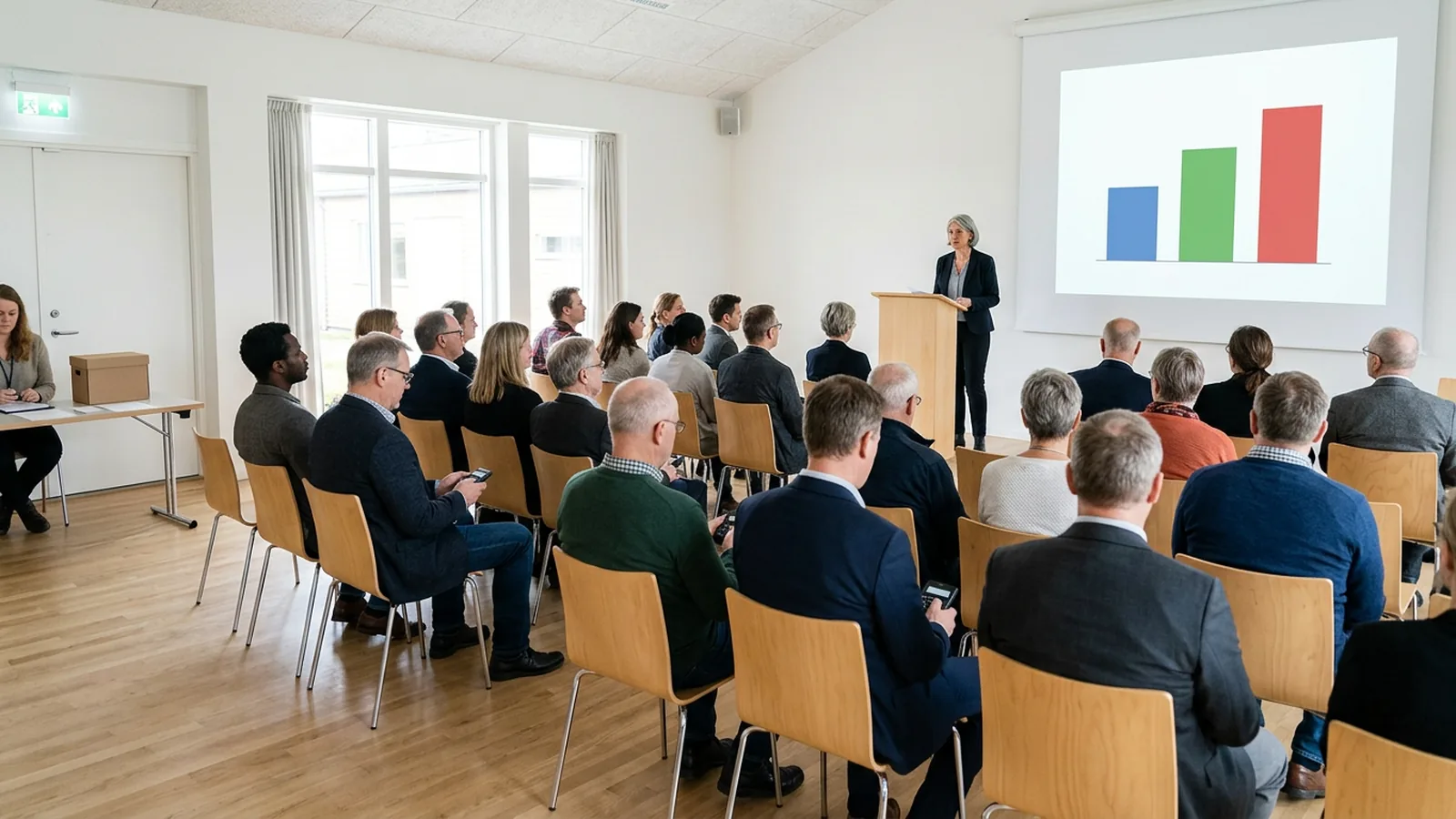
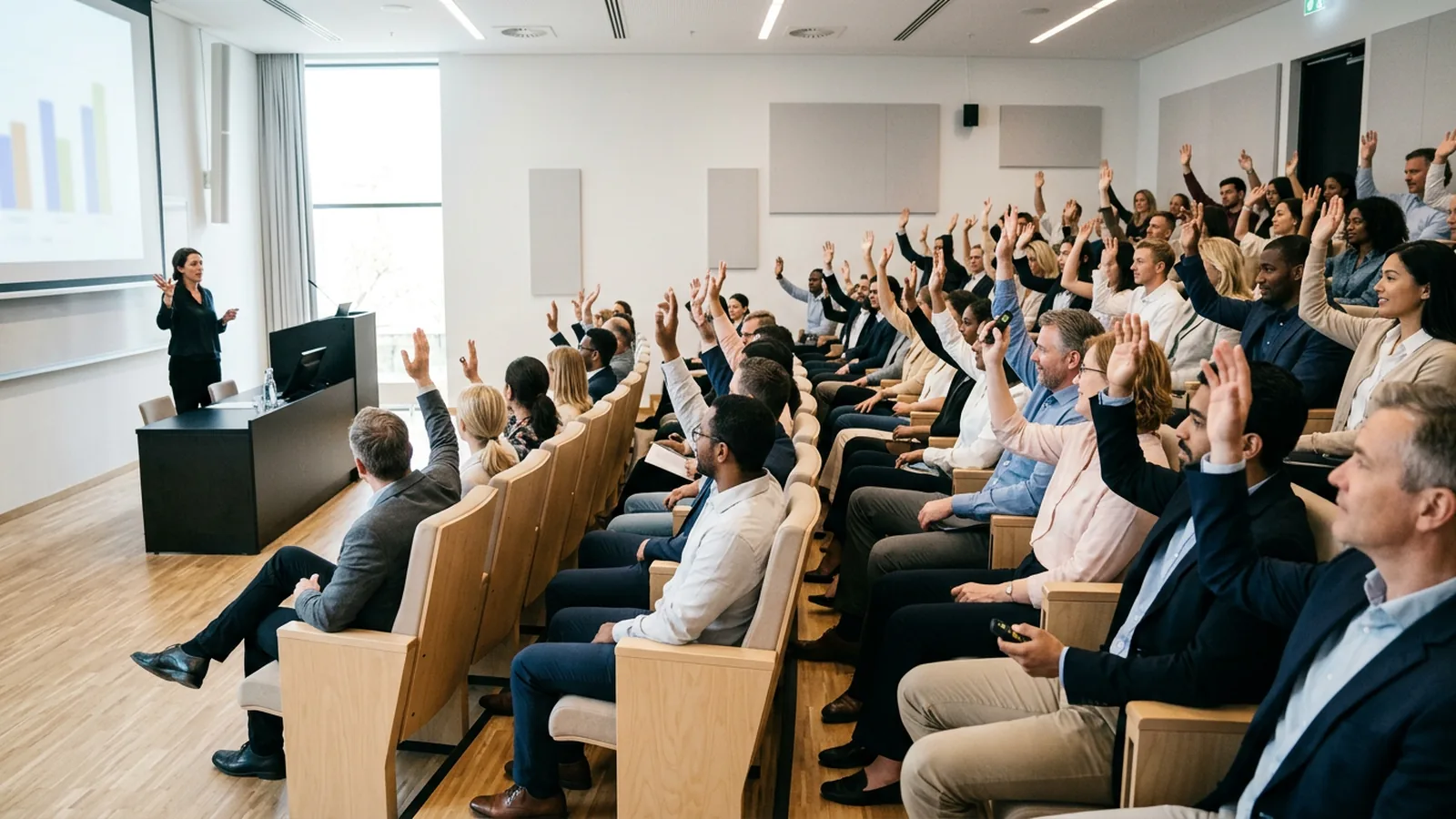
People herd. When answers are public, people copy the majority. In the US, researchers at the Harvard Kennedy School ran the same questions with a show of hands and with clickers in comparable groups. In 35 of 61 questions, the two methods gave results more than 10 percentage points apart, and the hand-raising results leaned toward the majority answer (Levy, Yardley and Zeckhauser, "Getting an Honest Answer"). In one trial, 56% of clicker users supported a policy, against 25% of the hand raisers.
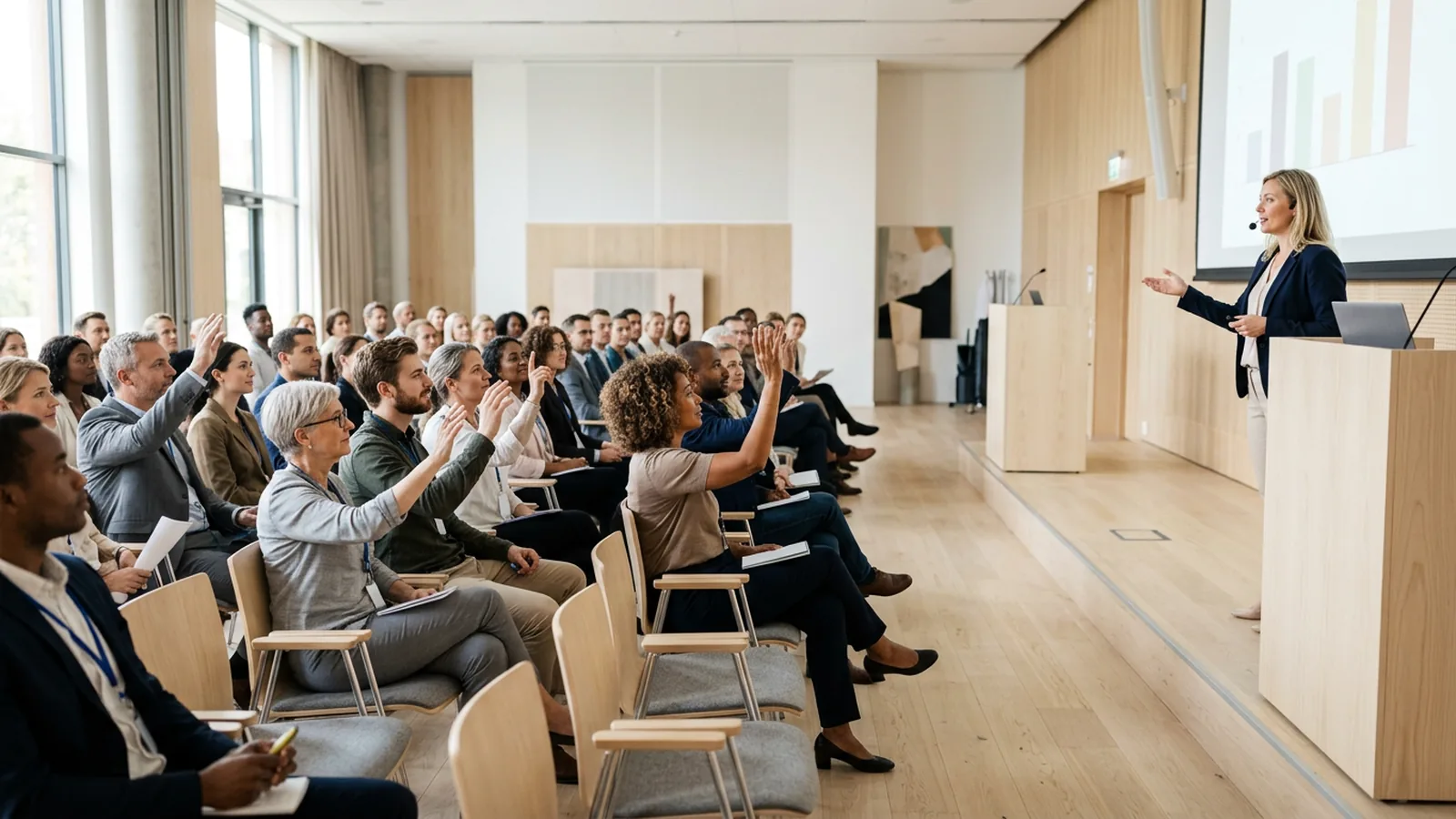
Fewer people speak. An open mic favors the people who are already comfortable at an open mic. An observational study led by researchers at the University of Cambridge and the University of Essex in the UK, covering almost 250 seminars in 10 countries, found that women audience members asked fewer questions than men, both in absolute numbers and in proportion to attendance. When a man asked the first question, women asked proportionally fewer (Carter et al., PLOS ONE, 2018).
Attention comes in waves. In a US study, chemistry students used clickers to report their own attention lapses. Lapses of a minute or less were the most common, and clicker questions and demonstrations led to significantly fewer reported lapses than straight lecture, an effect that carried into the lecture that followed (Bunce, Flens and Neiles, Journal of Chemical Education, 2010). For a 45-minute keynote, that argues for a change of format every 10 to 15 minutes.
Private, simultaneous answering addresses all three. In a lab comparison of hand raising, response cards and clickers, the clicker group had the highest participation, and both clicker and response card groups were significantly higher than hand raising (Stowell and Nelson, Teaching of Psychology, 2007). A follow-up found that clickers reduced conformity and that shy participants felt more comfortable taking part (Stowell, Oldham and Bennett, 2010).
Where should participation go in the run of show?
Put poll moments in the running order with a time, an owner and the slide number, the same way you list walk-ons and video stings. Here is a pattern that works for a one-day conference or a town hall (in many UK organizations, an all-staff meeting).
- Opener, first 5 minutes. One easy question that every person can answer without knowledge: "Which region are you joining from?" or "How many of these events have you attended?" It proves the system works and gives you a background question for splitting results later.
- Keynote check-in, minute 15 to 20. One question tied to the speaker's argument. "Which of these will change your work most in five years?" The speaker reacts to the result and adjusts. Brief the speaker on what to do if the room surprises them.
- Panel vote, before and after. Ask the panel's question before anyone speaks, hide the result, then ask it again at the end. Keep the wording identical both times, so the shift between the two charts is a real change of mind and gives the moderator a concrete closing point.
- Post-lunch quiz. The first session after lunch is the hardest slot of the day. Run five quick rounds as a team quiz, by table or by hall section, with a leaderboard between rounds. Plan about ten minutes for five rounds.
- Q&A triage. Before opening the mic, put three or four likely topics on screen and let the room vote on which one the panel takes first. The microphone then serves the room's priority, and the quiet half of the audience has already had a say.
- Session feedback, before people stand up. Ask the rating question while people are still seated, during the last two minutes, never after the closing slide. Two questions are enough: "How useful was this session for your work?" and "Would you attend a follow-up on this topic?"
Six moments in a full day is a good ceiling; more starts to feel like homework. For more formats beyond polls, see our guide to audience engagement techniques.
How do you write poll questions for a large hall?
A question that works on a laptop can fail on a 12-meter (about 40-foot) screen. Use these rules.
- Read it from the back row. Ten to twelve words for the question, two to five words per option. If the slide needs a second line, cut the question.
- Four options, rarely more. Four options fit on screen at a readable size and can be read aloud in under ten seconds.
- One idea per question. "Is the new policy clear and fair?" is two questions. People who think it is clear but unfair cannot answer honestly.
- Make every option plausible. A joke option pulls votes and makes the chart useless. If you want humor, put it in the question.
- Read the question and options aloud. Some delegates cannot see the screen well or work in a second language.
- Give a clear voting window. Say "You have 20 seconds", then close the poll. A hall of hundreds answers quickly once people know the window is short.
- Decide before the event whether to show results. For a panel before-and-after vote, hide the first result so it does not anchor the second. For sensitive staff questions in a town hall, agree in advance with the client that results will be shown, whatever they are.
- Use anonymous mode for anything personal. Opinions about leadership, workload or a change program only come out honestly when people know answers cannot be traced to them.
What logistics do you need to plan?
Devices. If you use handheld clickers (UK event-hire companies often call them voting handsets or keypads), decide where they are handed out. Registration desks are the best place, because every delegate passes them. Plan collection too: bins at every exit with staff beside them, and a note in the closing remarks. Count devices out and in, by box.
Network. Phone-based polling depends on the venue's Wi-Fi or mobile coverage. A full hall puts a large number of phones on the same access points at the same time, often in a basement or a building with thick walls. If you go phone-based, ask the venue for a dedicated network for the session, test it with the room full if you can, and have a fallback slide ready. Handheld systems with their own radio link avoid the venue network entirely. Our guide to live polling without Wi-Fi covers the options in detail.
Rehearsal. Run every poll slide on the show computer, in the venue, at tech rehearsal. Check the receiver or network from the back of the hall and from the balcony. Confirm that the poll slides survive when the speaker's deck is merged into the master show file, and that whoever drives slides knows when to open and close each poll.
Hybrid audiences. Remote attendees cannot use a clicker in the room, so decide how they vote. Most teams either give remote viewers a phone or browser link to the same question, or run a separate remote poll and report both results side by side.
How do you report participation results to the client or sponsor?
Build the report in this order.
- Response rate per session. Answers divided by people in the room. Record headcount per session, or you cannot calculate it.
- Session ratings, split by group. If you asked the background question in the opener, split ratings by role, region or day. "Sales teams rated the product session lower than engineering teams" is something a client can act on.
- Before and after shifts. Panel votes that moved are your strongest evidence that content changed minds.
- Topic votes for next time. The Q&A triage and "what should next year cover" questions give the program committee a ranked list from the whole audience.
Send it within a week, as a spreadsheet as well as a PDF, so the client's team can build its own charts.
Should you use clickers or phones for event participation?
Many teams use both. Phones need no hardware, allow free text and word clouds, and reach remote attendees. Clickers need no app, no log-in and no venue Wi-Fi, and phones stay in pockets during the session. In a large plenary, the deciding questions are usually: can you trust the venue network, and will delegates actually download and join an app?
OMBEA is one example of the clicker approach. ResponsePad clickers use their own radio link to a USB receiver up to 100 meters away, a session handles up to 2,000 participants, and the results appear live in PowerPoint. For speakers who bring Keynote or their own laptop, OMBEA Response 360 runs next to any presentation tool on Windows and Mac. You can see the event setup on the events and conferences page, and the question types, such as team quizzes and splitting results by group, on the features page. Batteries last about three years in normal use. For member votes and AGMs (annual meetings, as US organizations usually call them), see meetings and voting.