Why do the same few people always answer?
Ask a room a question. A few confident people answer and everyone else waits for them. You learn a lot about three people and nothing about the other 47.
There are two reasons. First, answering out loud is public. If you might be wrong, staying quiet is the safe choice. Second, most presenters do not wait long enough. In classic research on classroom questioning, Mary Budd Rowe found that teachers waited an average of about one second for an answer before moving on or answering themselves. When the wait grew to three to five seconds, answers got longer, more students answered, and more answers came from students who usually stayed quiet.
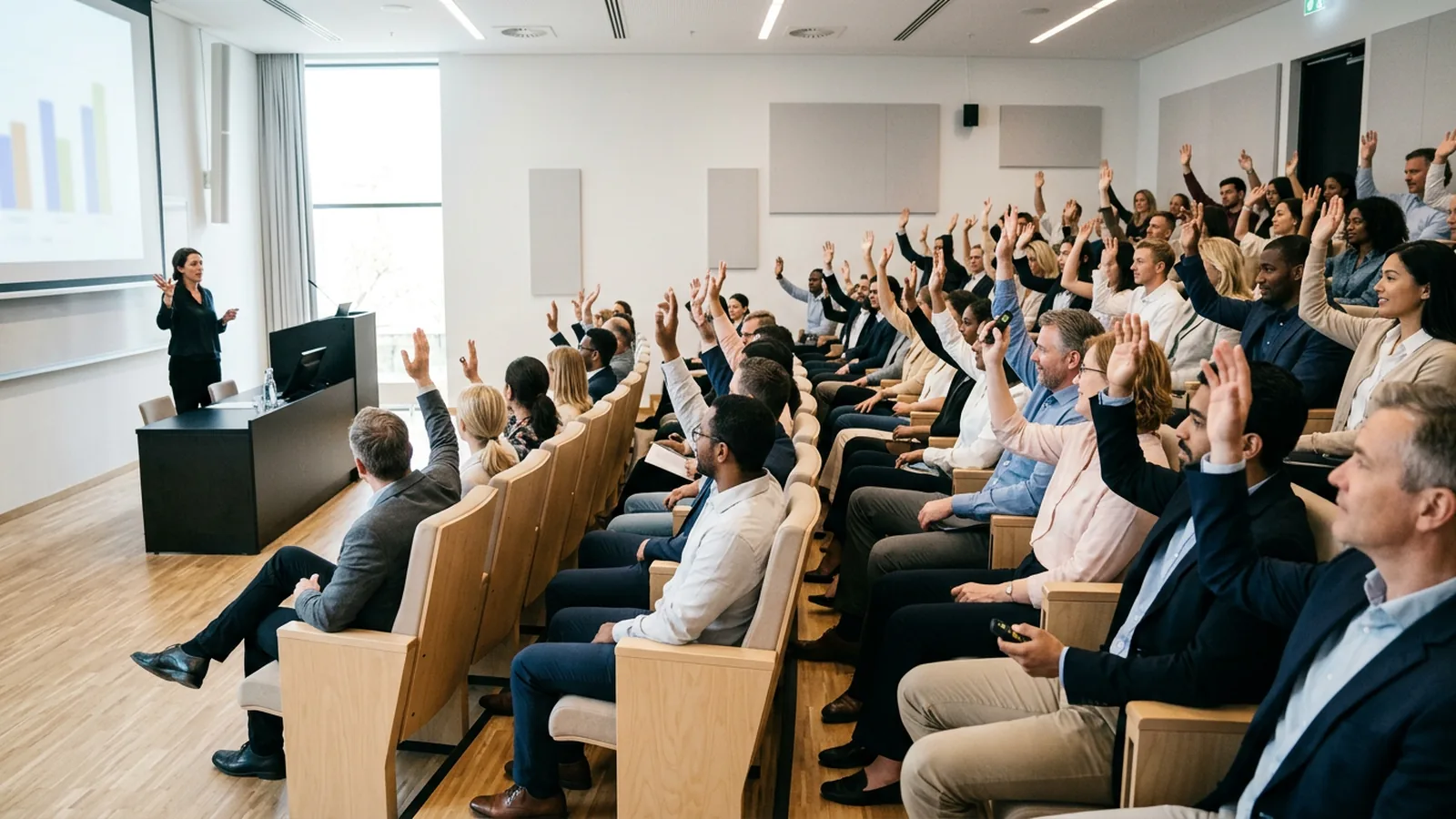
Public answering also changes what people say. In a study at Eastern Illinois University, Stowell and Nelson gave groups the same 30-minute lecture and asked review questions in different ways. The group answering by raising hands got 98% of the review questions right. The group answering privately on clickers got 82% right. The authors read the gap as conformity: when everyone can see the hands, people follow the room.
Every technique below is a version of one rule: everyone answers, at the same time, without being exposed.
Does engagement actually change what people learn?
Yes. A meta-analysis of 225 studies of university science and engineering teaching by Freeman and colleagues found that average exam scores rose by about 6% in active learning sections, and students in traditional lectures were 1.5 times more likely to fail. All the studies are from universities.
Answering a question also helps people remember. Roediger and Karpicke showed that taking a test improves later retention more than studying the same material again. A question in the middle of a talk does the same: people have to pull the idea out of memory.
In the CIPD's 2023 Learning at Work survey of 1,108 learning practitioners, 91% of them in the UK, 41% named lack of engagement as a barrier to supporting their organization's goals. Only lack of learner time (42%) scored higher.
Which audience engagement techniques work in any room?
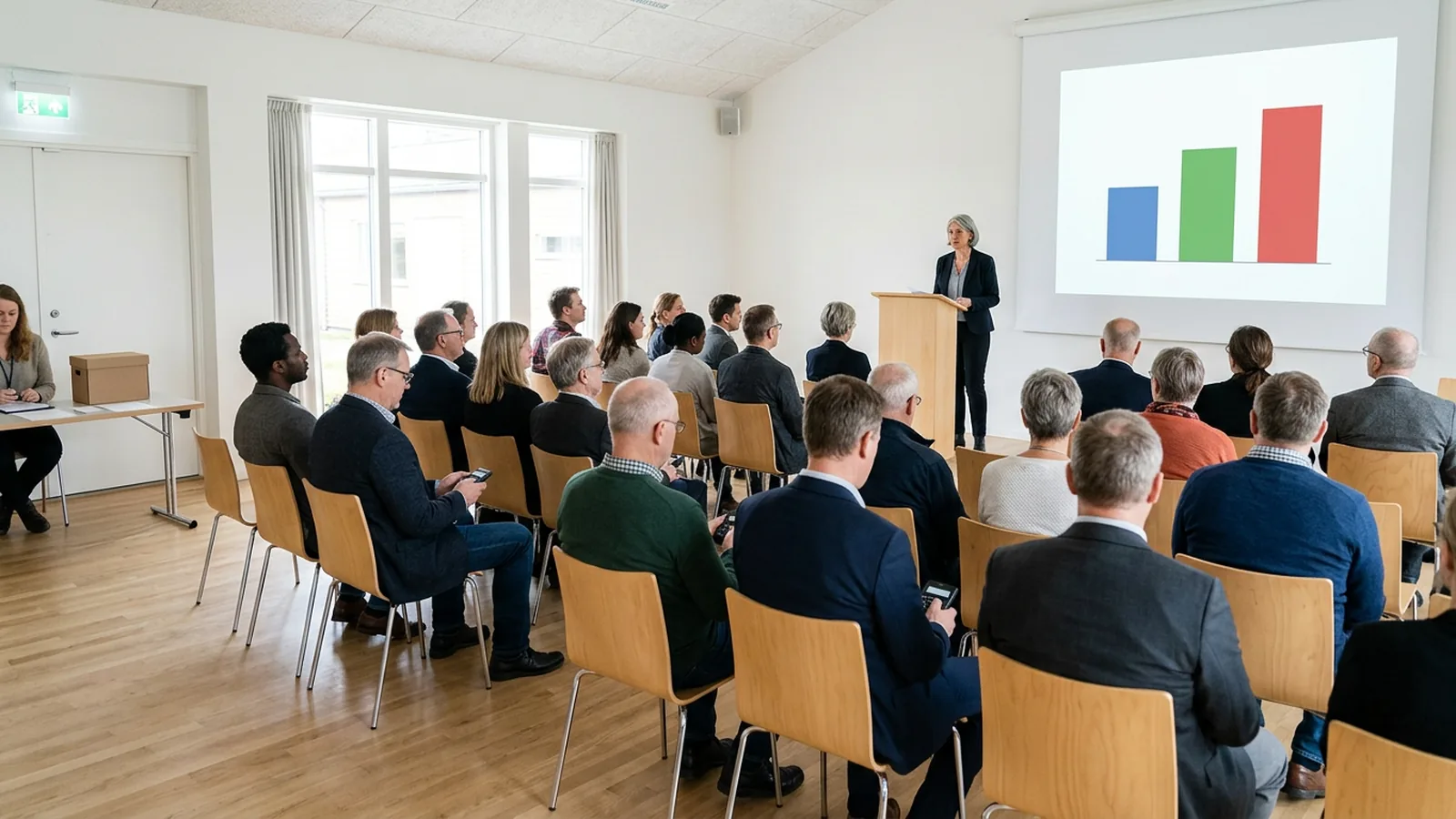
These work with 10 people or 500. Each needs a way for everyone to answer at once. That can be colored cards, fingers held against the chest, a show of hands with eyes closed, phones, or handheld clickers (also called keypads or voting handsets).
1. Ask before you tell
Open a topic with a question people cannot quite answer yet. "Which of these four causes most data breaches in companies our size?" People commit to a guess and want to know if they were right. You also get a baseline.
2. Hide the result, then reveal it
Collect answers with the chart hidden. Look at the spread yourself first. Then decide whether to reveal it or ask people to discuss first. The science education teams at the University of Colorado and the University of British Columbia recommend in their clicker guide not showing the class result before discussion unless opinions are widely split, because many people simply switch to the majority answer.
3. Turn to your neighbor, then vote again
Ask a question. Collect answers privately. Give people two minutes to convince the person next to them. Ask the same question again. Show both charts side by side. This is the core of peer instruction, and the two charts show the room how far it moved.
4. Count to five, out loud if you have to
After you ask, wait. Rowe's work suggests three to five seconds changes who answers. In a large lecture hall (lecture theatre, in the UK) or conference room, give people 30 seconds or more. The CWSEI guide uses 75% as the signal: once about three quarters of the room has voted, wrap up. Waiting for everyone takes too long.
5. Make it anonymous on purpose
For anything sensitive, say clearly that answers are anonymous, and mean it. "How confident are you that you could use this process tomorrow?" gets honest answers only when nobody is watching. Use named answers only when you need a record, such as a graded quiz or a certification check.
6. Ask for a prediction
"What do you think happened to sign-ups when we cut the form from ten fields to four?" Predictions work in any subject because nobody is expected to know the answer yet.
7. Use a confidence scale
Instead of "Any questions?", ask "How sure are you about step 3? 1 = lost, 4 = could teach it." The spread tells you whether to move on. Nobody has to admit confusion in front of colleagues.
8. Split the result by group
Ask a background question first: department, region, year, first-timer or regular. Then show how each group answered the same question. "Sales and support see this very differently" is a better discussion opener than a slide you wrote in advance.
9. Play a short team quiz
Five questions, three teams, a leaderboard between rounds. Use it for compliance refreshers, product launches and revision lessons, and keep the questions on your content.
10. Let the room set the agenda
Show four possible topics for the next 20 minutes and let people vote. You give up some control, and the room listens for the topic it picked.
11. Ask the same question at the start and the end
"How would you rate your knowledge of X?" at minute one, again at minute 60. Show both charts side by side.
12. Close with one exit question
End with a single question about the one thing people should remember. If 40% get it wrong, you know what the follow-up email needs to say.
How often should you ask the audience something?
The often-quoted "attention lasts 10 minutes" is weaker than it sounds. A review by Bradbury found no good evidence for a sharp drop after 10 to 15 minutes. What the evidence does show is that attention comes and goes. In a US chemistry study, Bunce, Flens and Neiles had students report attention lapses on clickers during class. Short lapses of a minute or less were the most common, and they came in shorter and shorter cycles as the lecture went on. Questions and demonstrations reduced them.
So plan a question when the content changes, not on a timer. A practical rhythm for a 50 to 60 minute session:
- One opening question in the first three minutes (technique 1 or 6).
- One question after each main idea, roughly every 10 to 15 minutes.
- One discussion round (technique 3) on the hardest idea.
- One closing question (technique 12).
That is four to six questions in an hour. The CWSEI guide suggests a similar number, four to six questions with real discussion per 50-minute class, spread through the session.
How do you keep engagement up in a large audience?
In big rooms the back rows feel invisible and a show of hands is impossible to count. Three adjustments help:
- Give more time per question. Reading, thinking and answering takes 30 seconds to a minute for most people. In a hall of 300, collecting answers also takes longer.
- Use fewer answer options. Three or four options are easier to read from the back than six.
- Read the result out loud. "Sixty percent said B. That surprises me, here's why" turns a chart into a conversation, even in a room where nobody can speak to you directly.
For events with a run of show, the sibling article on audience participation at events covers timing, rehearsal and reporting to sponsors in more detail.
Do you need phones, clickers or nothing at all?
Many of these techniques work with no technology. Colored cards and a show of hands with eyes closed need no equipment. Their weakness is counting: in a large room you cannot tally them accurately, and nothing is saved.
Phone-based tools such as Mentimeter, Slido and Poll Everywhere count for you and allow open text answers. They need every person to have a working phone and a connection, and they put a phone in every hand.
Clickers count for you, keep phones away and need no connection on the participant side. Someone has to buy them, hand them out and collect them, and they do not take open text answers. If you want to compare the two models, the sibling article on interactive presentation ideas has more on matching the tool to the room.
OMBEA Response is one example of the clicker approach: you add question slides inside PowerPoint, people press a key on a ResponsePad, and the chart fills in on the slide. It has the features that make techniques 2, 5, 8 and 9 quick to run: hidden charts, an anonymous mode, group splits and team quizzes with leaderboards. You can see them on the features page, and the corporate training and events and conferences pages show what a session looks like.
What can you try in your next session?
Pick three techniques for your next session. This set needs about ten minutes of an hour:
- Open with a prediction (technique 6). Write it tonight.
- Run one ask, discuss, ask again (technique 3) on the idea people struggle with most.
- Close with one exit question (technique 12) and read the result before people leave.
After the session, look at the question where the room split: that is the part to teach differently next time. For an opening question that is not about content, the icebreaker questions for meetings article has 50 that work with a whole room at once.